

Product highlights


Toucan Wireless Security Camera PRO + Solar Panel Bundle
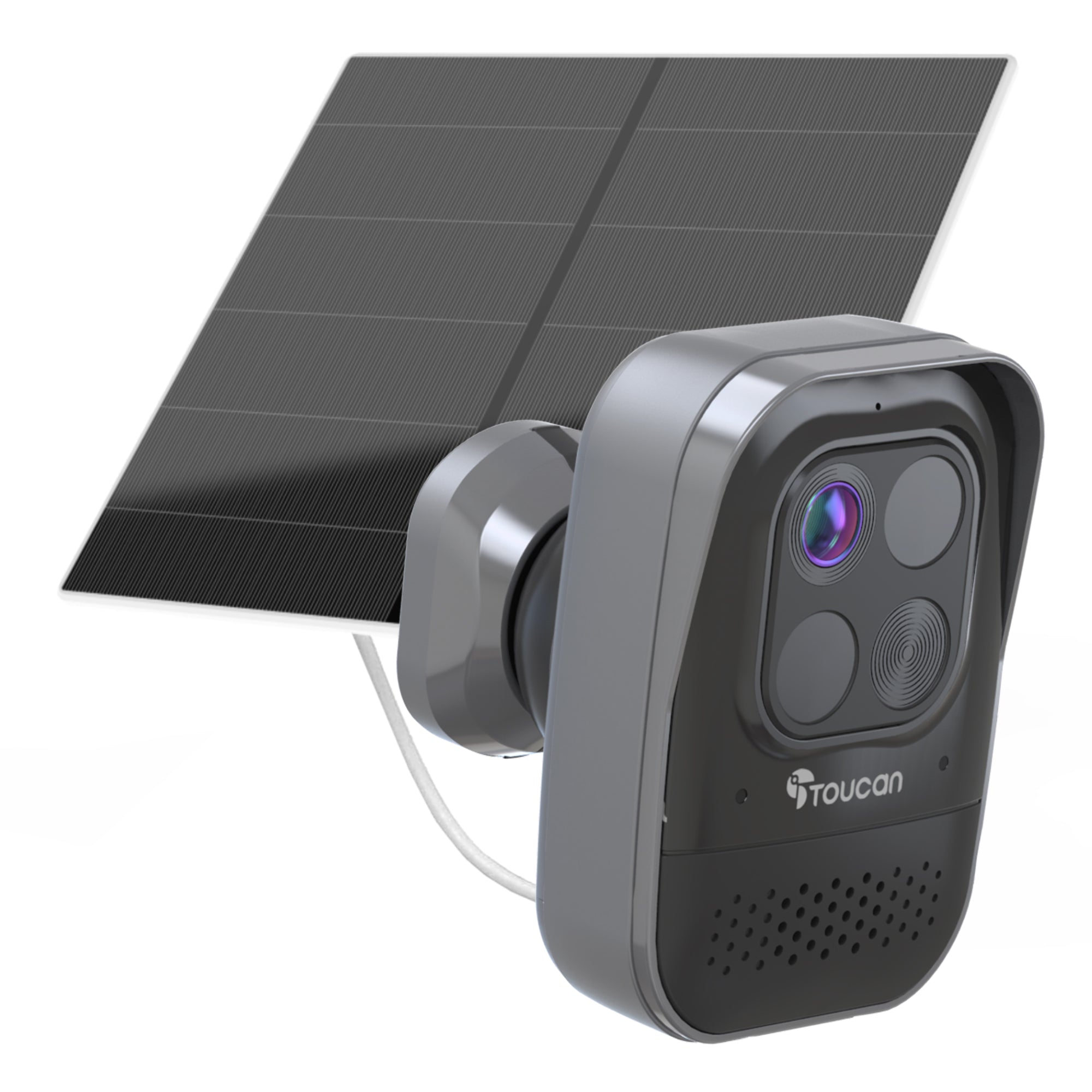
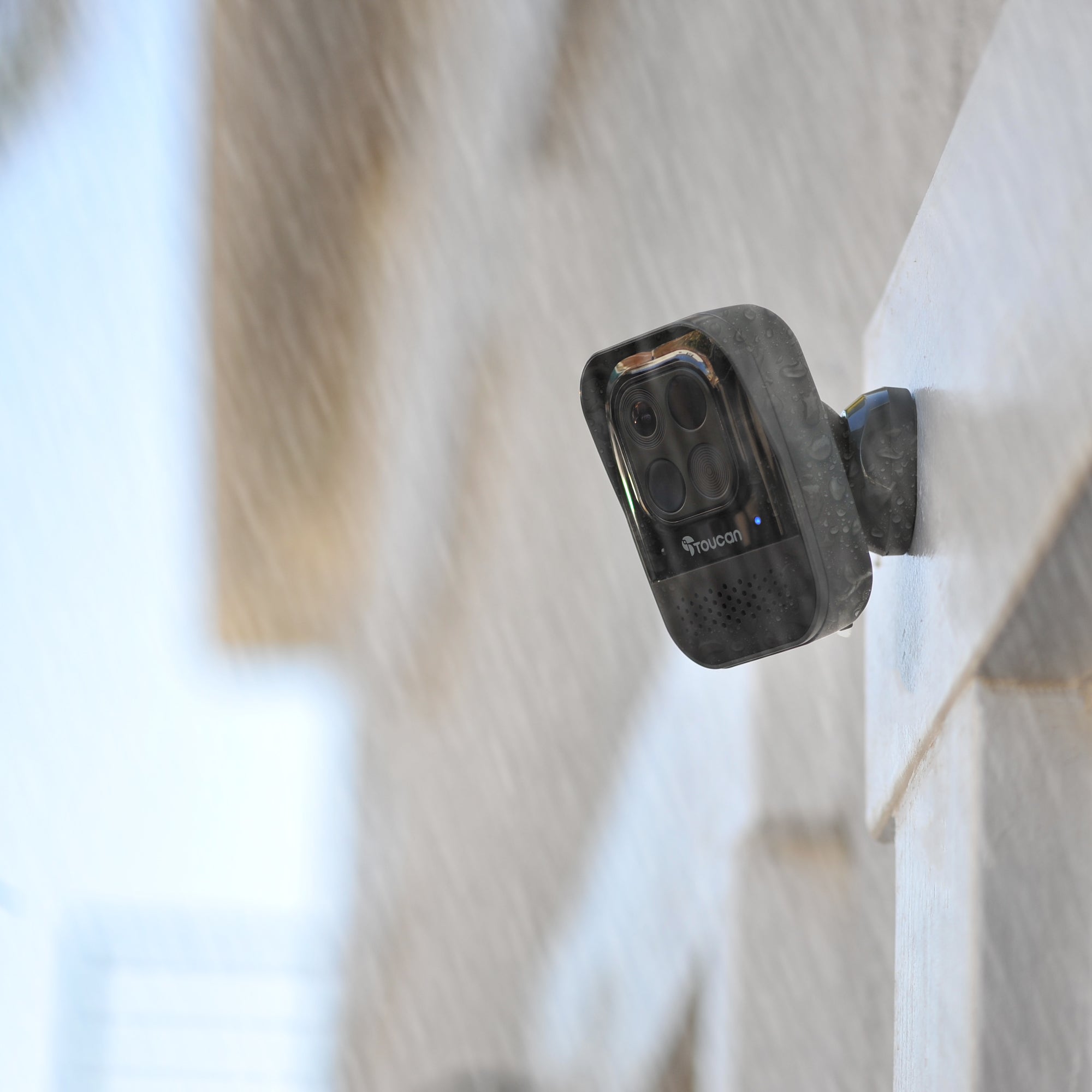
Introducing the ultimate security solution for your home - the Toucan Wireless Security Camera Pro bundled with the Toucan Solar Panel Charger.
Say goodbye to the hassle of battery charges. This dynamic duo seamlessly collaborates to ensure uninterrupted surveillance, keeping your home safe and secure around the clock. Crafted with cutting-edge technology and user-friendly features, this bundle offers unparalleled peace of mind for you and your family.
Key Features:
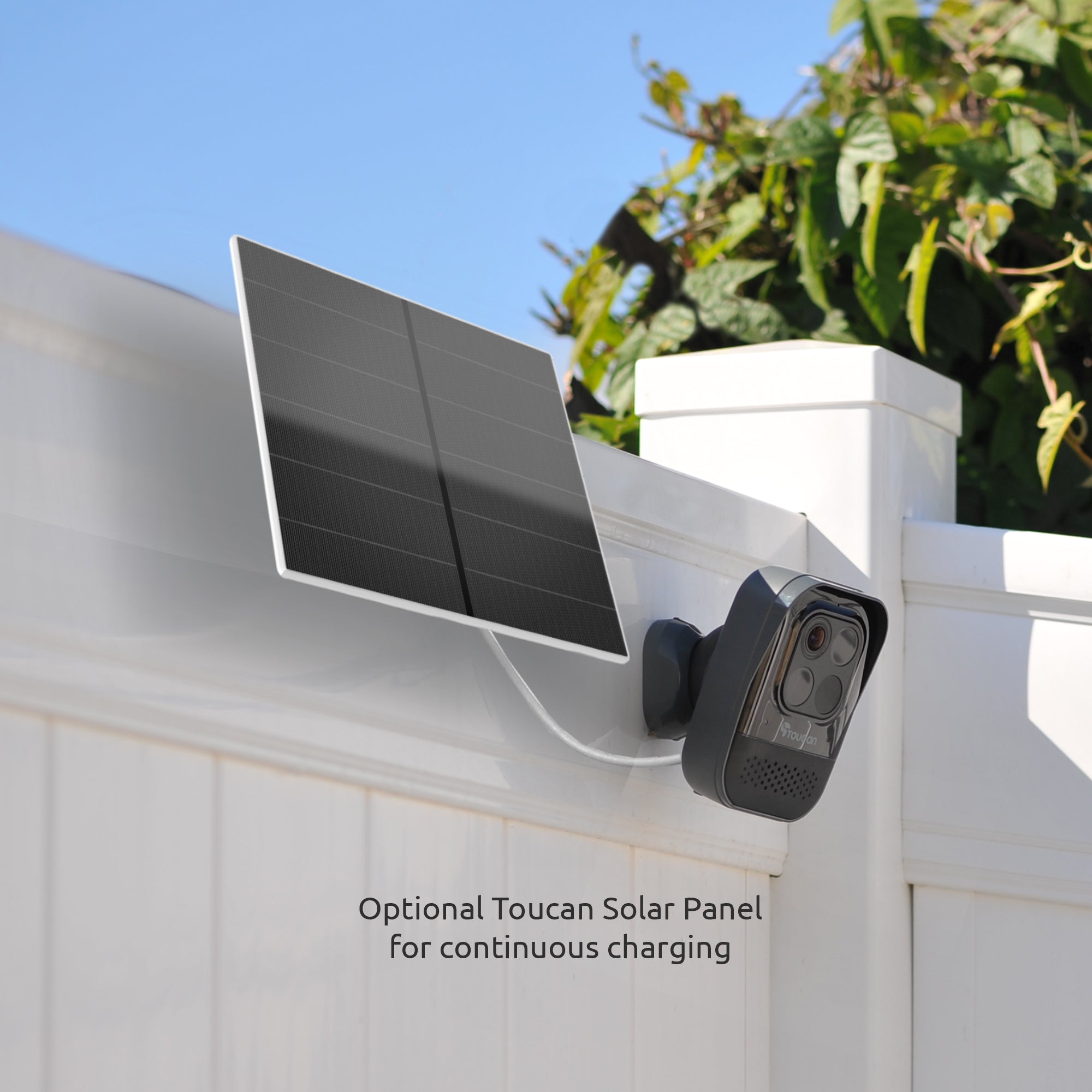
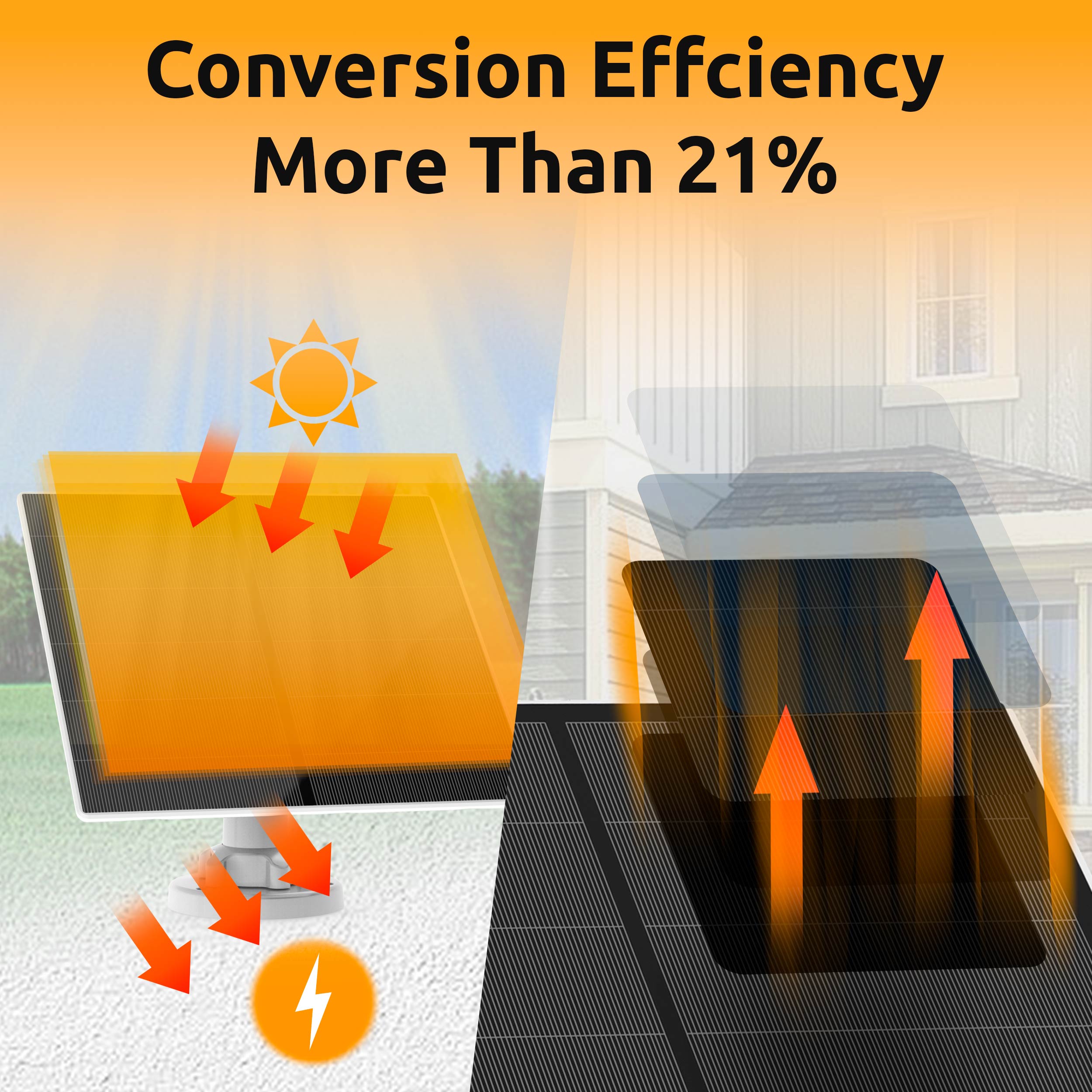
Effortless Power Management: The camera and solar panel work in perfect harmony to maintain the camera's battery level, eliminating the need for manual charging.
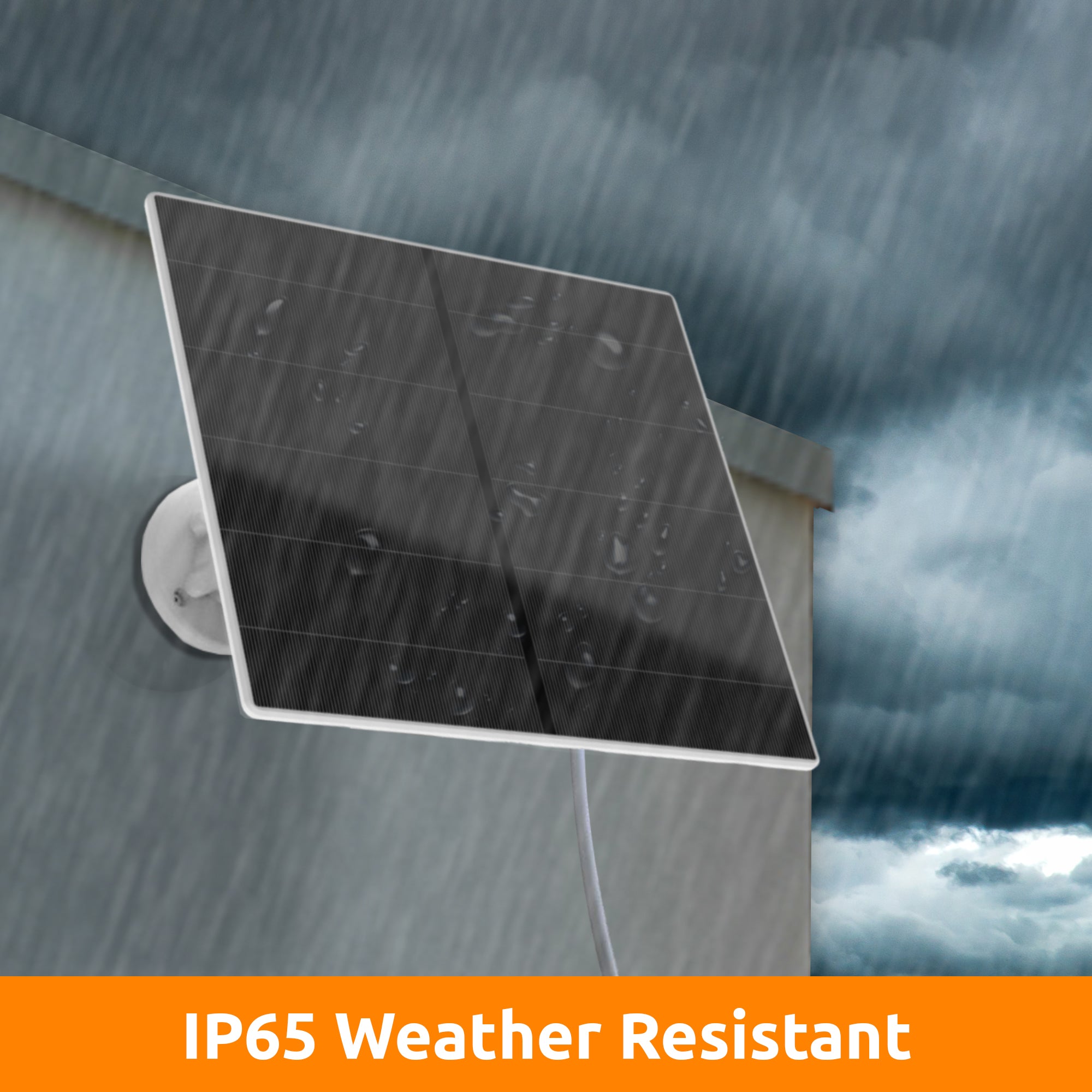
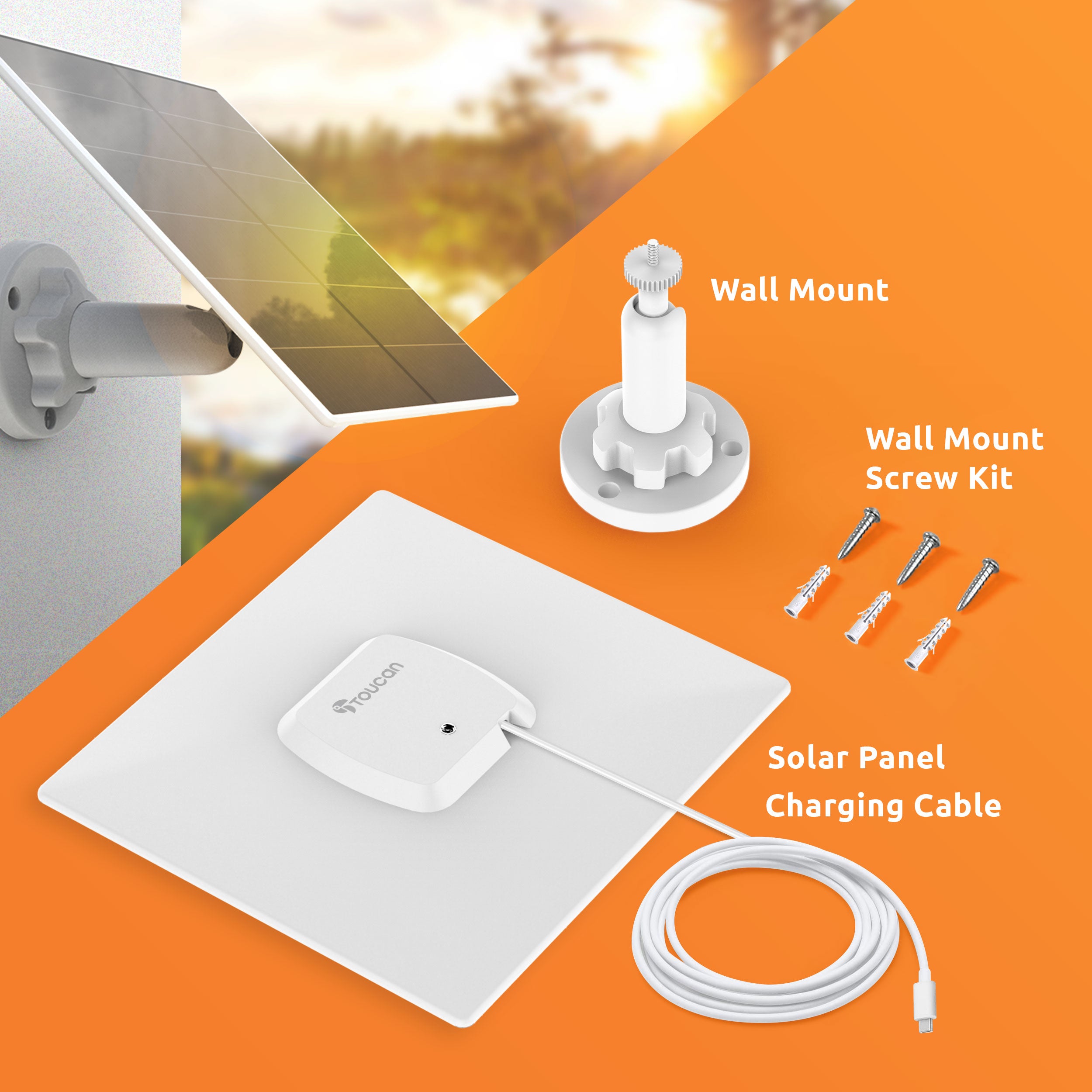
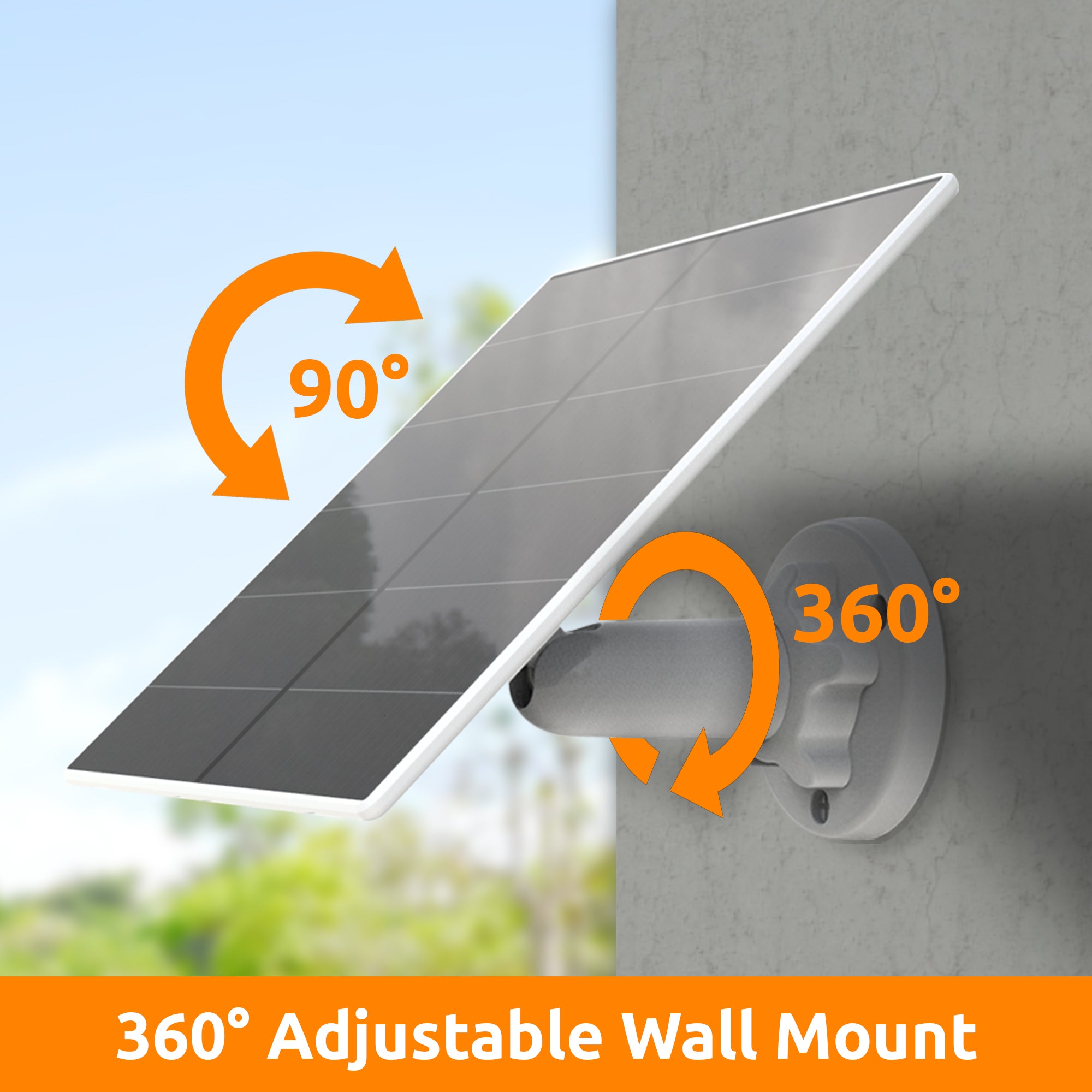
Optimal Positioning: The solar panel comes with a 3-meter charging cable for flexible positioning. The included weather seals ensure durability in outdoor conditions. (IP56 Weather Resistance).
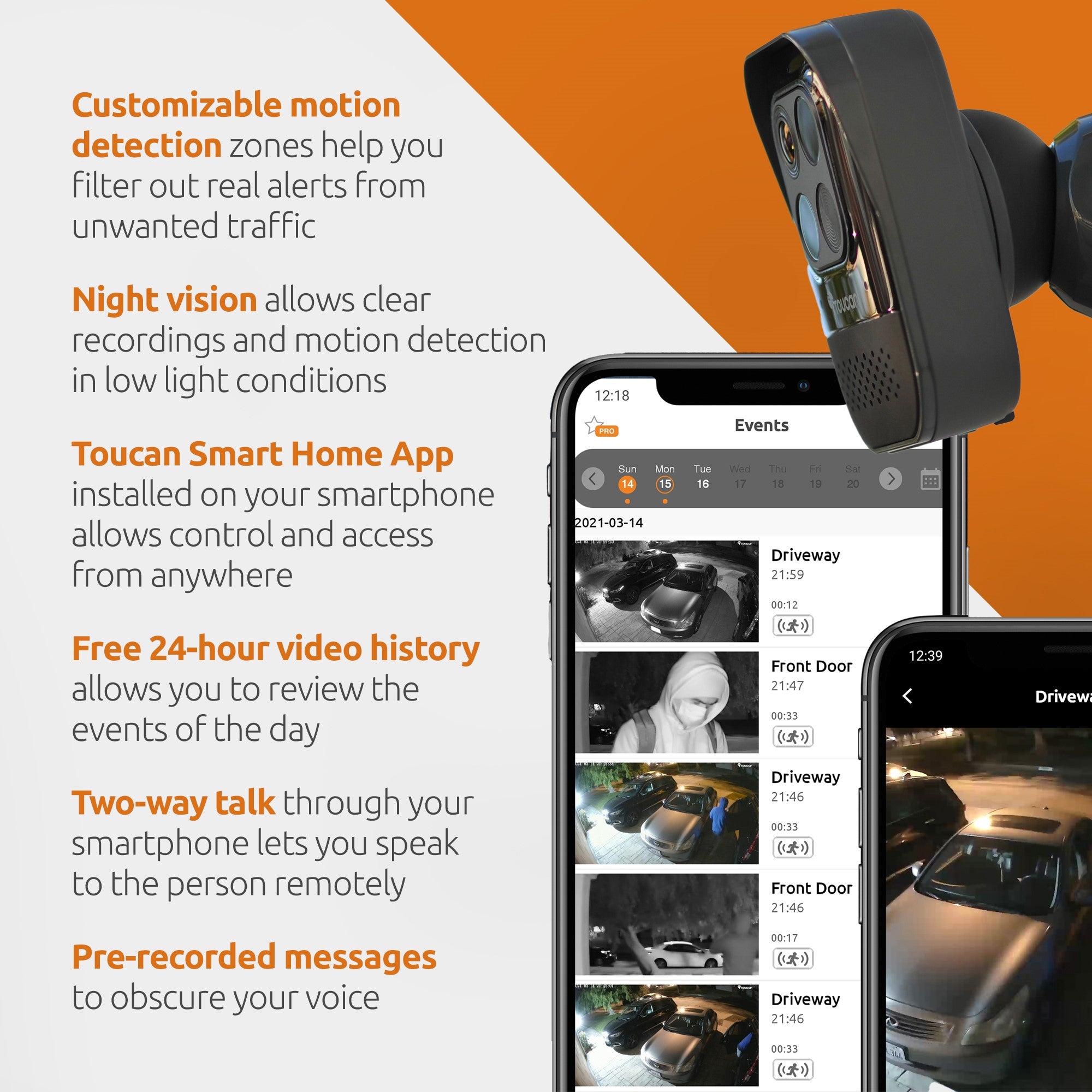
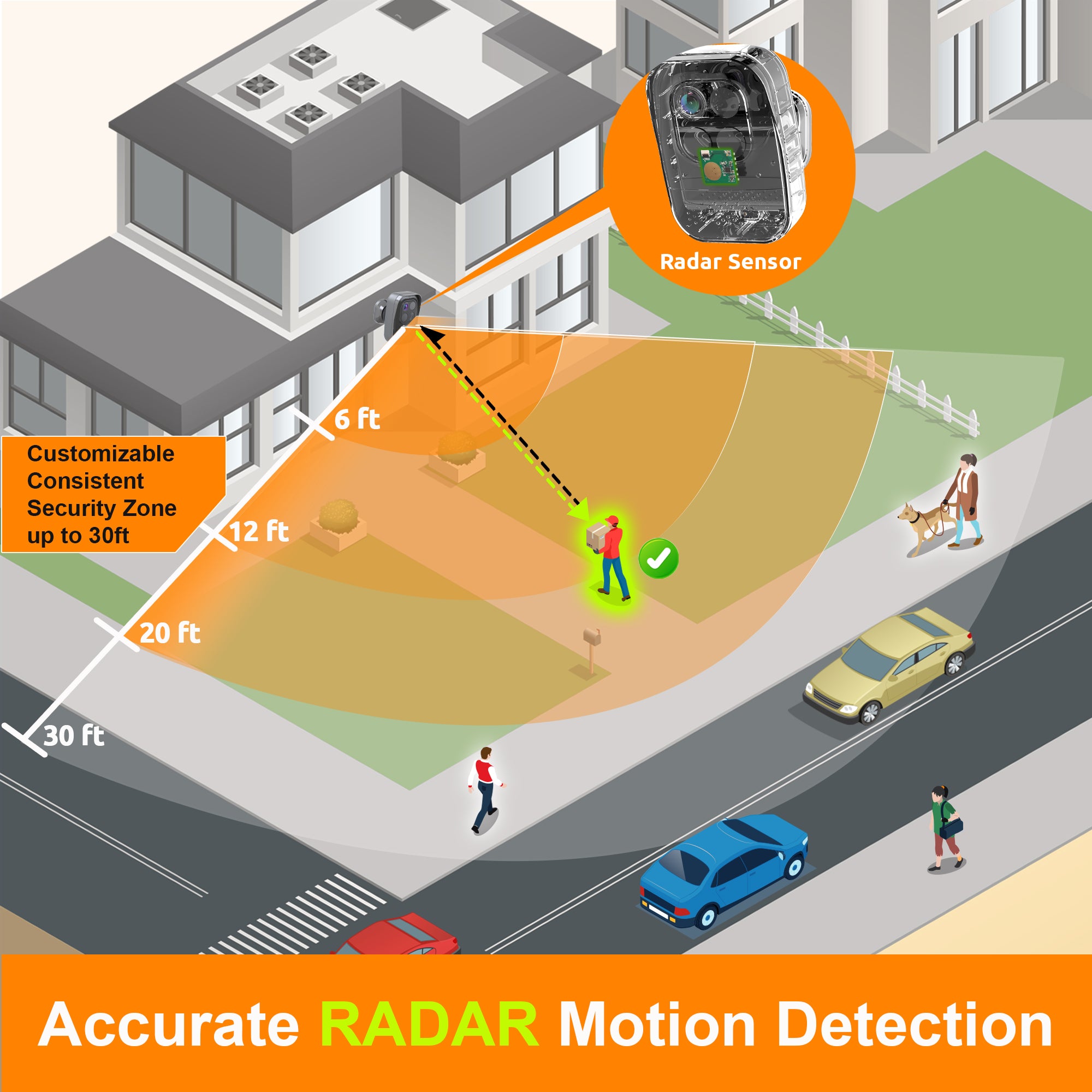
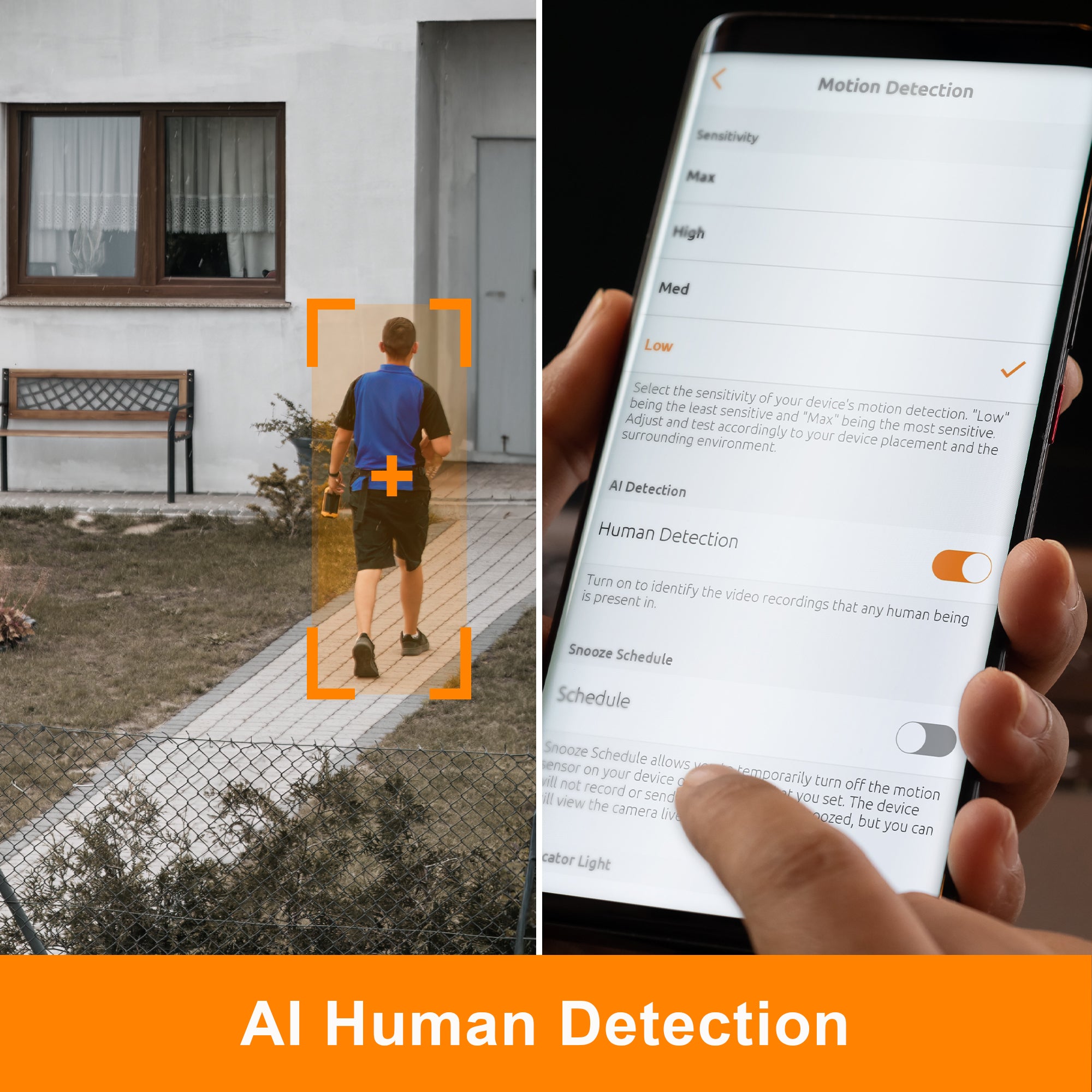
Advanced Motion Detection: Powered by our radar technology, enjoy ultra-accurate motion detection with customizable motion zones.
Subscription-Free Security: No subscriptions required, ever. 24-Hour motion event history stored in the secure Toucan Cloud as standard.
Hub-Free: No base-station or hub required, simplifying your setup and reducing clutter.
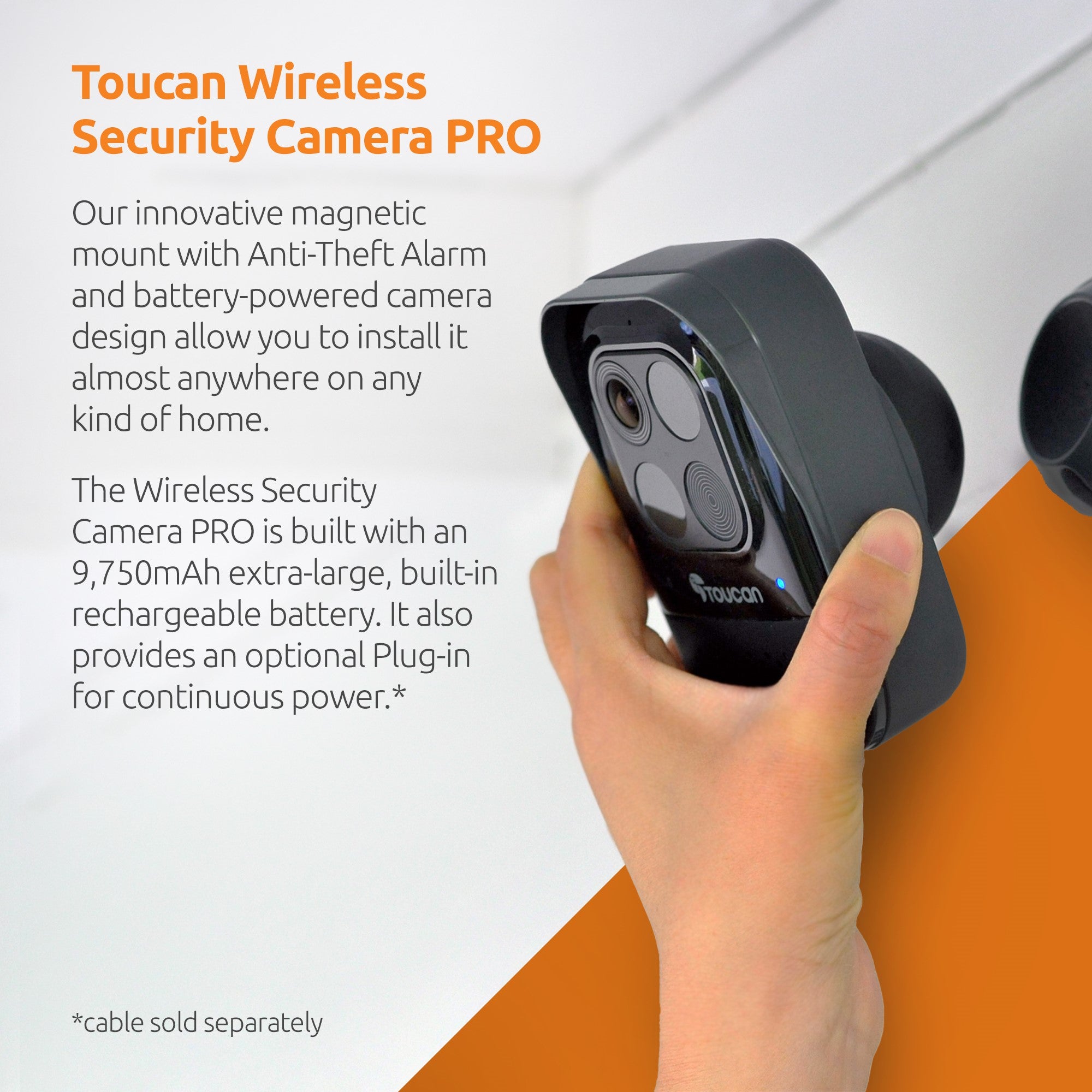
Built-In Rechargeable Battery: The Security Camera Pro is equipped with a 9,750mAh rechargeable battery, ensuring non-stop security even on darker days.
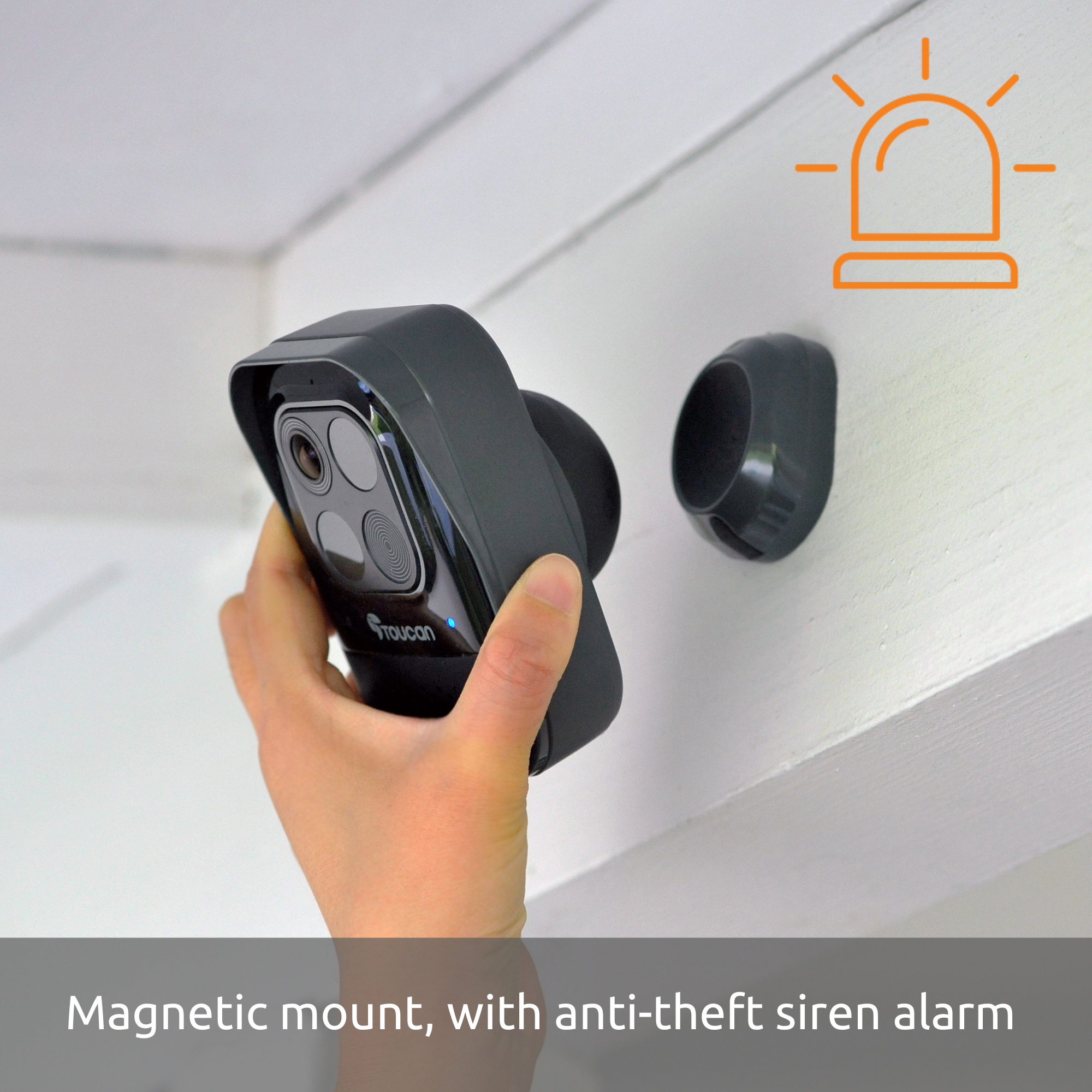
Secure & Flexible Mounting: The camera features a magnetic mount for easy positioning and an anti-theft alarm for added peace of mind.
Crystal Clear Images: Experience stunning 1080P Full HD resolution with a wide-angle view of 140°, capturing every detail.
Enhanced Night Vision: Clear night vision ensures round-the-clock surveillance, even in low-light conditions.
Alexa & Google Home Integration: View your camera on your Echo Show or Google Home device using just your voice.
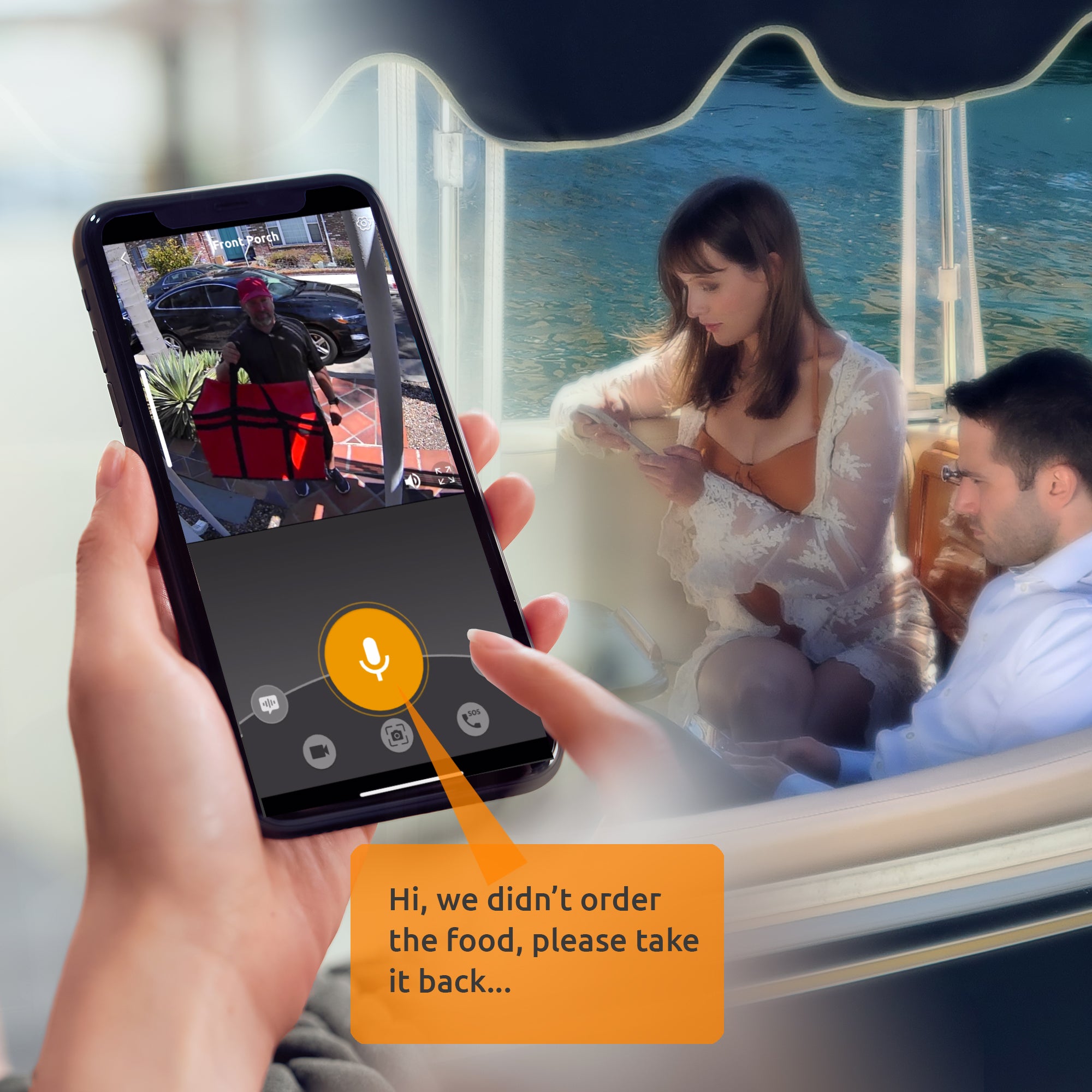
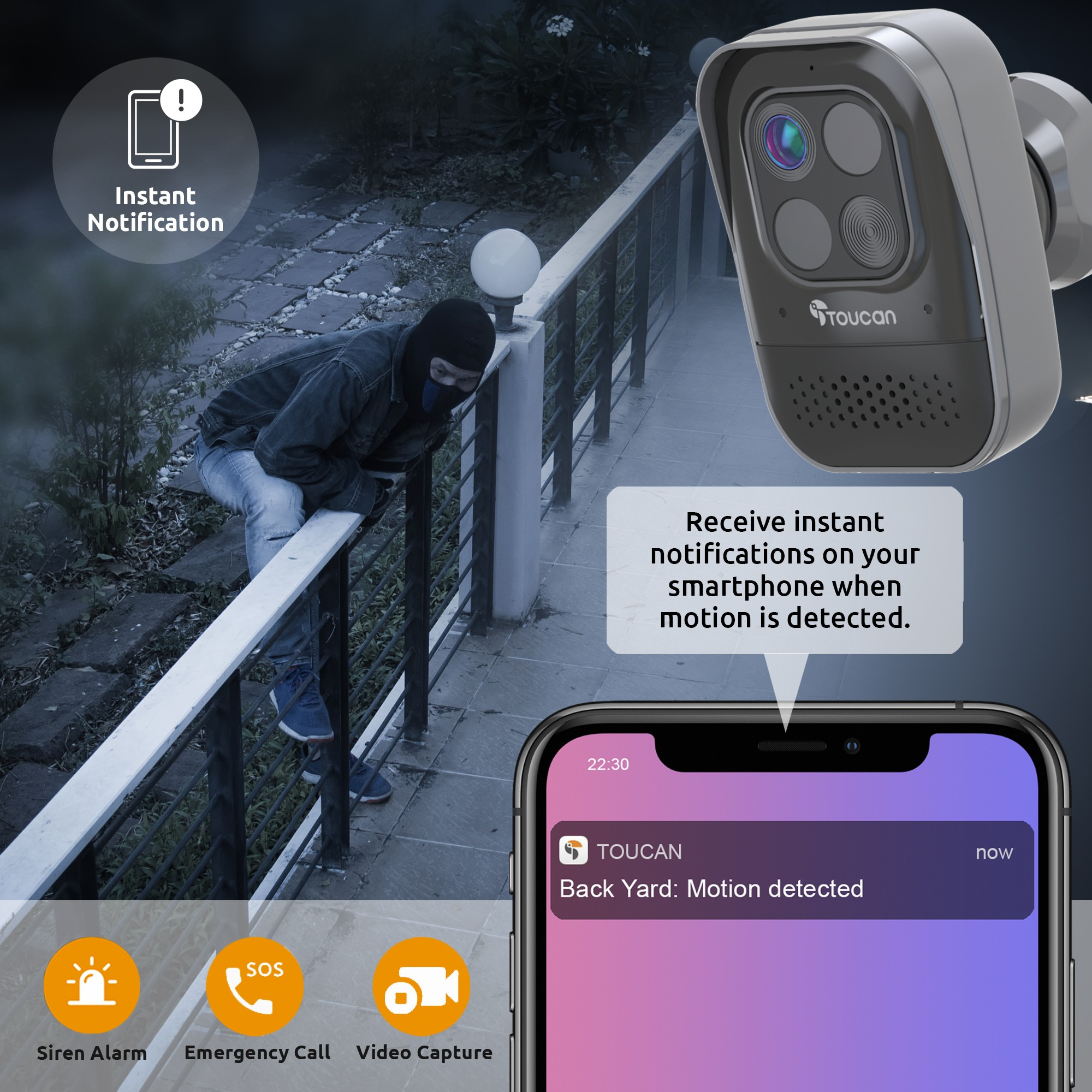
Instant Alerts: Receive push notifications straight to your phone from the Toucan App whenever motion is detected and jump straight to the camera's live stream. Integrate with Alexa for motion announcements around your home.
Toucan Smart Home App: Live stream the camera, review footage and manage the camera's settings effortlessly with the Toucan Smart Home app, designed and maintained by Toucan.
Quick and Easy Setup: Whether you're new to Toucan, or adding to your system, get up and running in minutes. The camera simply connects to your home Wi-Fi network. (2.4GHz Only).
With this perfect pairing, safeguarding your home has never been easier.
Product highlights
Toucan Wireless Security Camera PRO + Solar Panel Bundle

What people are saying
Get more out of your device
None of our products require a subscription to function, but our Toucan Shield Plans elevate their potential
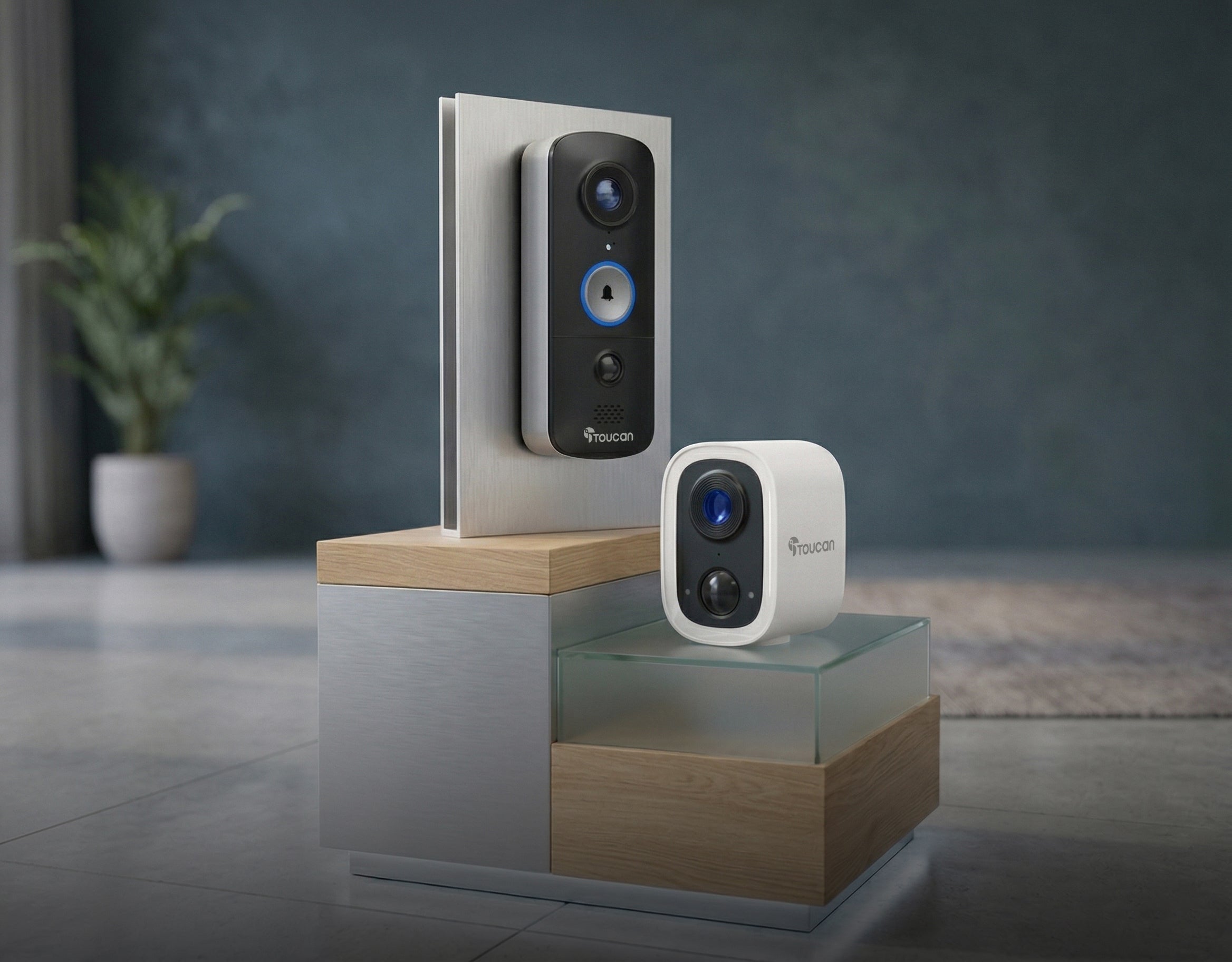
Compatible with the Toucan Smart Home App!
Tech Specs
Video
Detection
Audio
Power
Connectivity
Other
What's in the box?
FAQs
For more FAQs, please check our dedicated FAQ page