


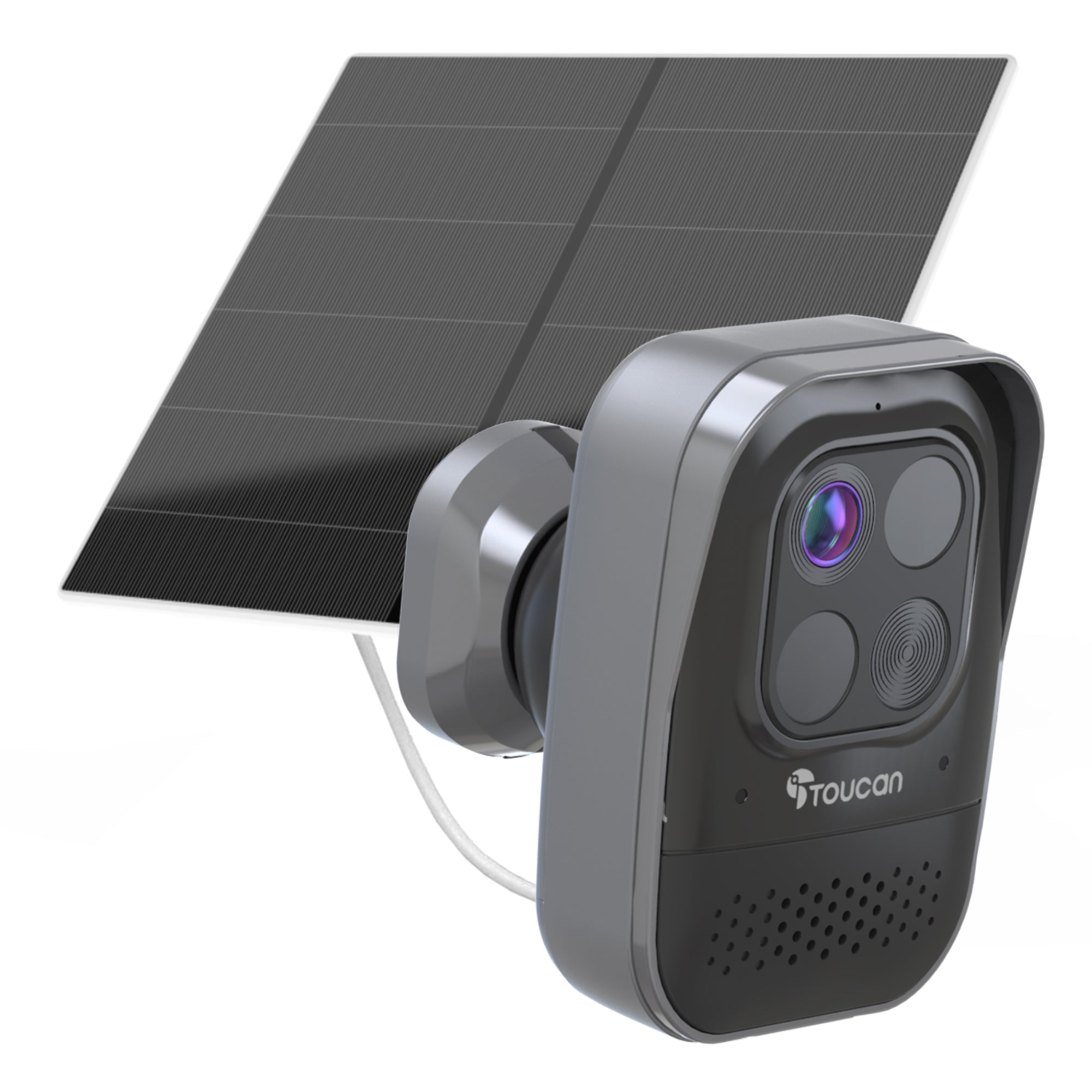
Single S5 Camera
A practical choice for monitoring one garden, driveway, garage, entrance or side access point.
Outdoor protection powered by sunlight
Choose a Toucan S5 with integrated solar charging or pair a compatible Toucan wireless camera with a separate solar panel. Monitor entrances, gardens, garages and driveways through the Toucan Smart Home App.
Compare solar options
Select the solar setup that best matches your preferred camera, mounting position and available sunlight.
Solar Security Camera 2-Pack | Toucan S5 2K
Solar Security Camera 3-Pack | Toucan S5 2K
Toucan S2 Wireless Security Camera + Solar Panel
Toucan PRO Wireless Security Camera + Solar Panel
Choose your coverage
Select a single S5 or a multi-camera pack according to the outdoor areas you want to monitor.
A practical choice for monitoring one garden, driveway, garage, entrance or side access point.
Cover two key areas, such as the front entrance and rear garden or the driveway and side gate.
Monitor several outdoor areas while managing compatible Toucan cameras from the same app.
Better solar placement
Solar charging guidance
Available sunlight helps recharge the camera’s built-in battery and can reduce the need for manual charging. Actual charging performance varies according to placement, season, weather and camera activity.
Areas with heavy shade or limited winter sunlight may require occasional manual charging. Review the battery level through the Toucan Smart Home App.
Solar charging performance depends on available sunlight, camera placement, weather conditions, device settings, Wi-Fi quality and the frequency of recorded activity.Use live viewing, motion alerts and two-way talk without a required paid subscription. Available event-video history and AI capabilities depend on the selected camera and plan. Optional upgrades provide longer history and additional features.
Frequently asked questions
Yes. The Toucan S5 combines an integrated solar panel with a built-in rechargeable battery. The panel helps maintain the battery when the camera receives adequate daily sunlight.
No. The solar bundles shown for the S2 and PRO combine the wireless camera with a separate compatible solar panel. This allows the camera and panel to be positioned separately.
The camera can continue operating from its rechargeable battery, but solar charging may be reduced during shorter days, heavy cloud or prolonged poor weather. Occasional manual charging may be required.
Charging performance is normally better when the panel receives adequate direct sunlight. Heavy shade, obstructions and unsuitable positioning can reduce the amount of energy generated.
Yes. A compatible and reliable Wi-Fi connection is required for app access, alerts, live viewing and connected camera features.
No paid subscription is required for essential features such as live viewing, motion alerts and two-way talk. Optional plans are available for longer video history and additional capabilities.
Continue exploring