

Product highlights

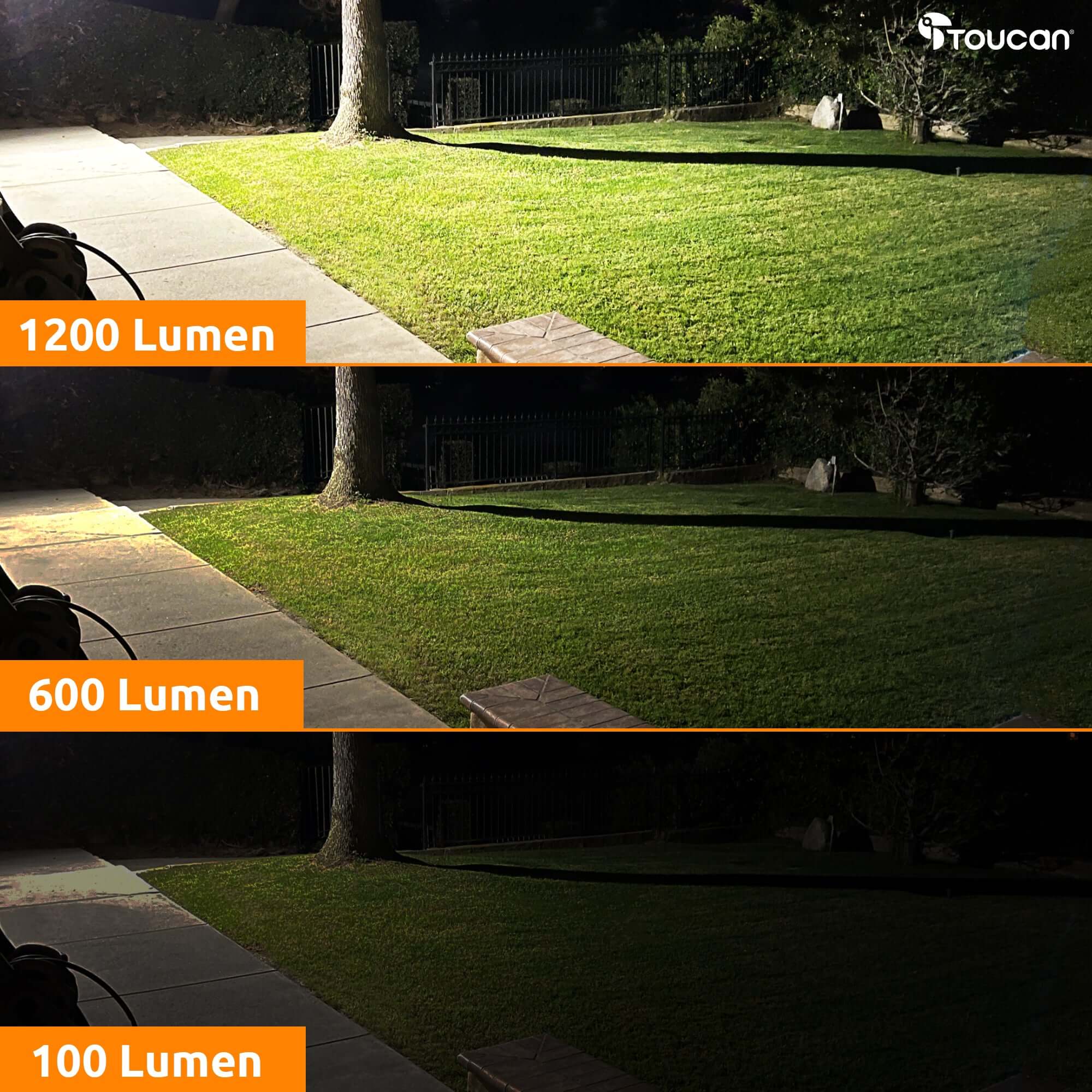
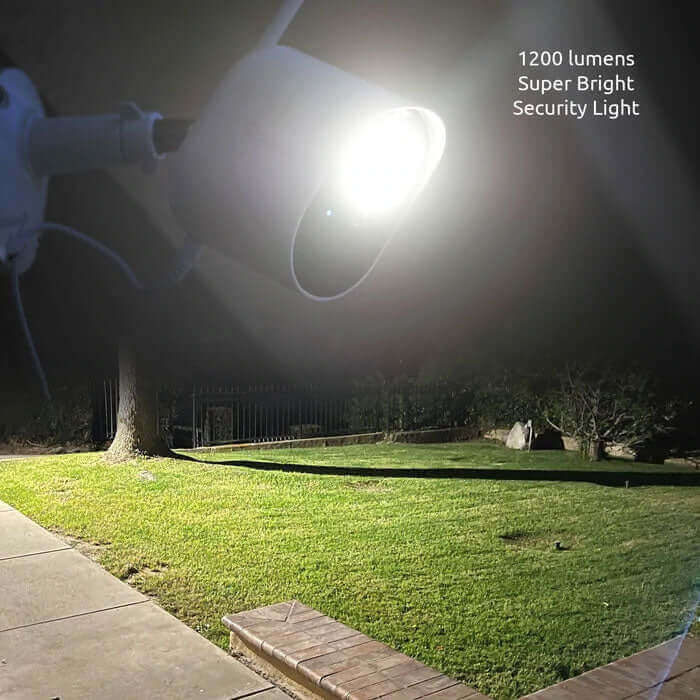
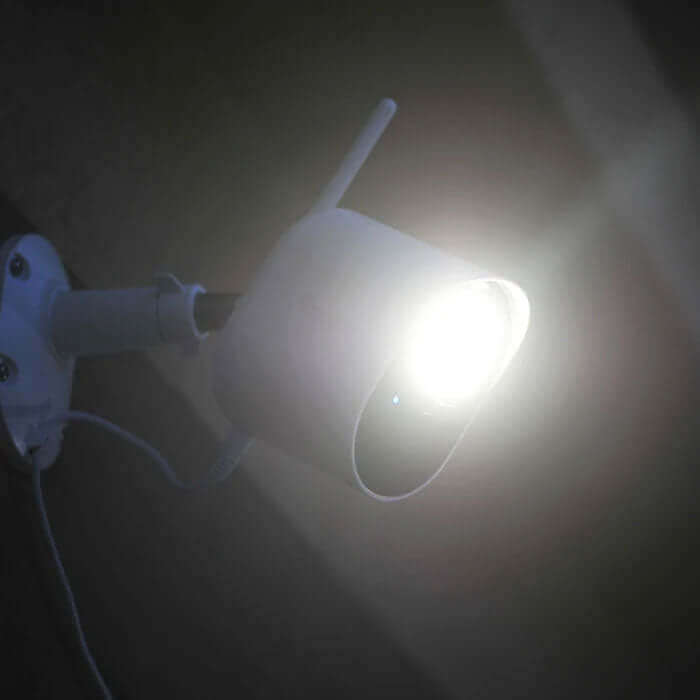
Super Bright 1200Lm

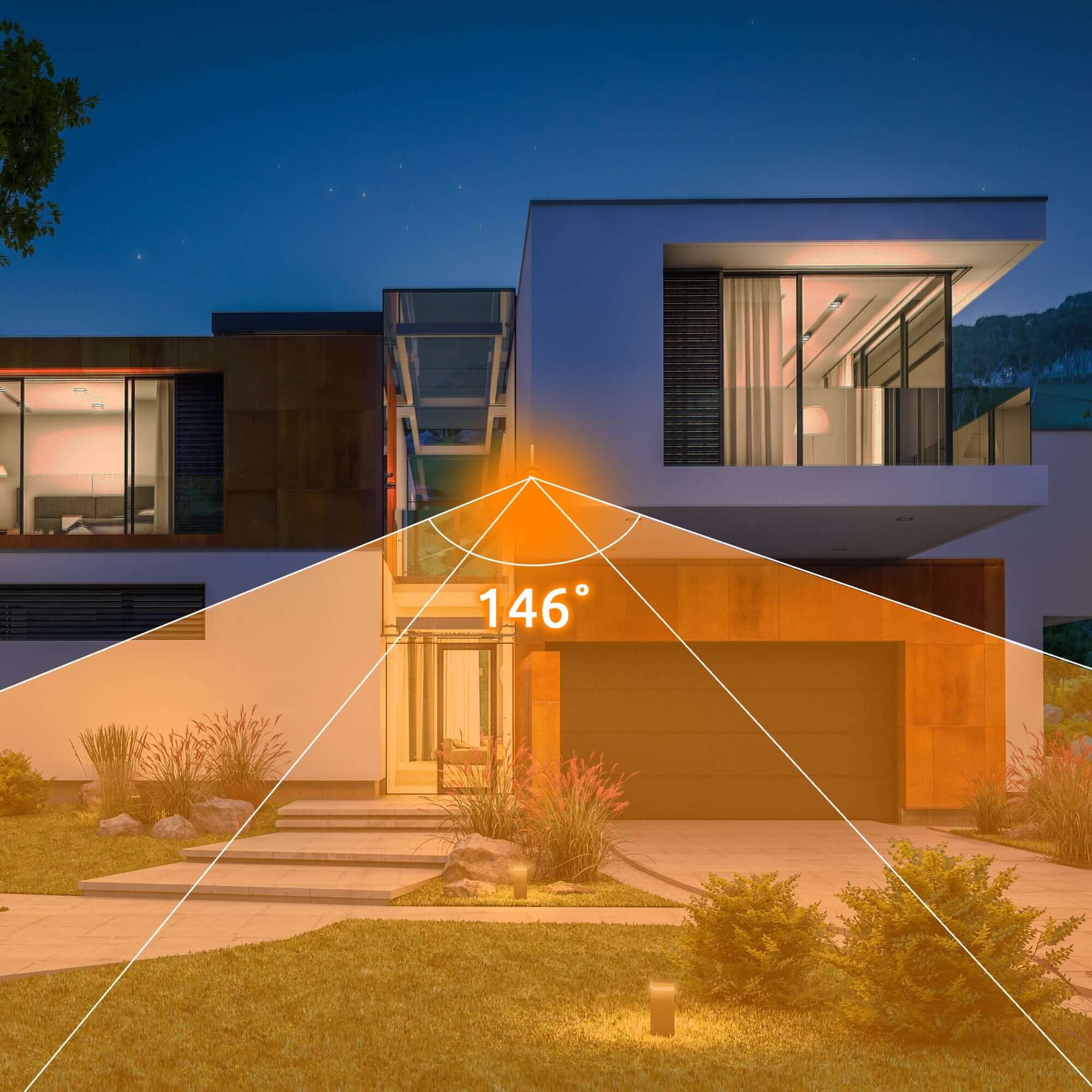
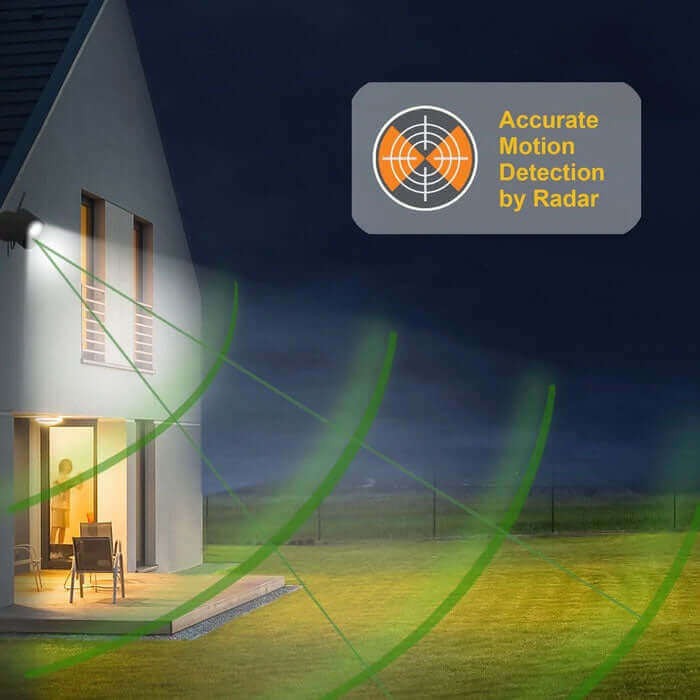
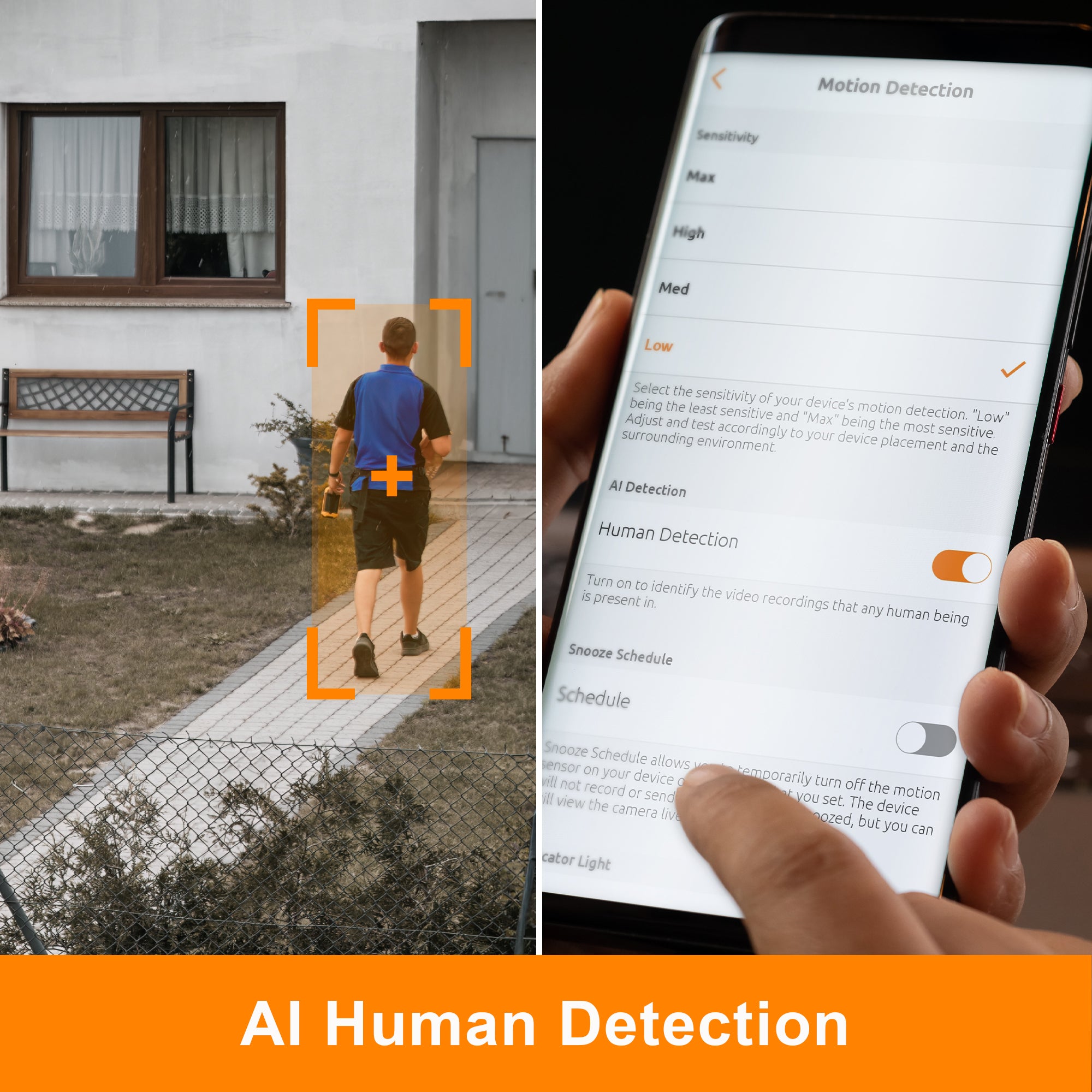
Radar Motion Detection

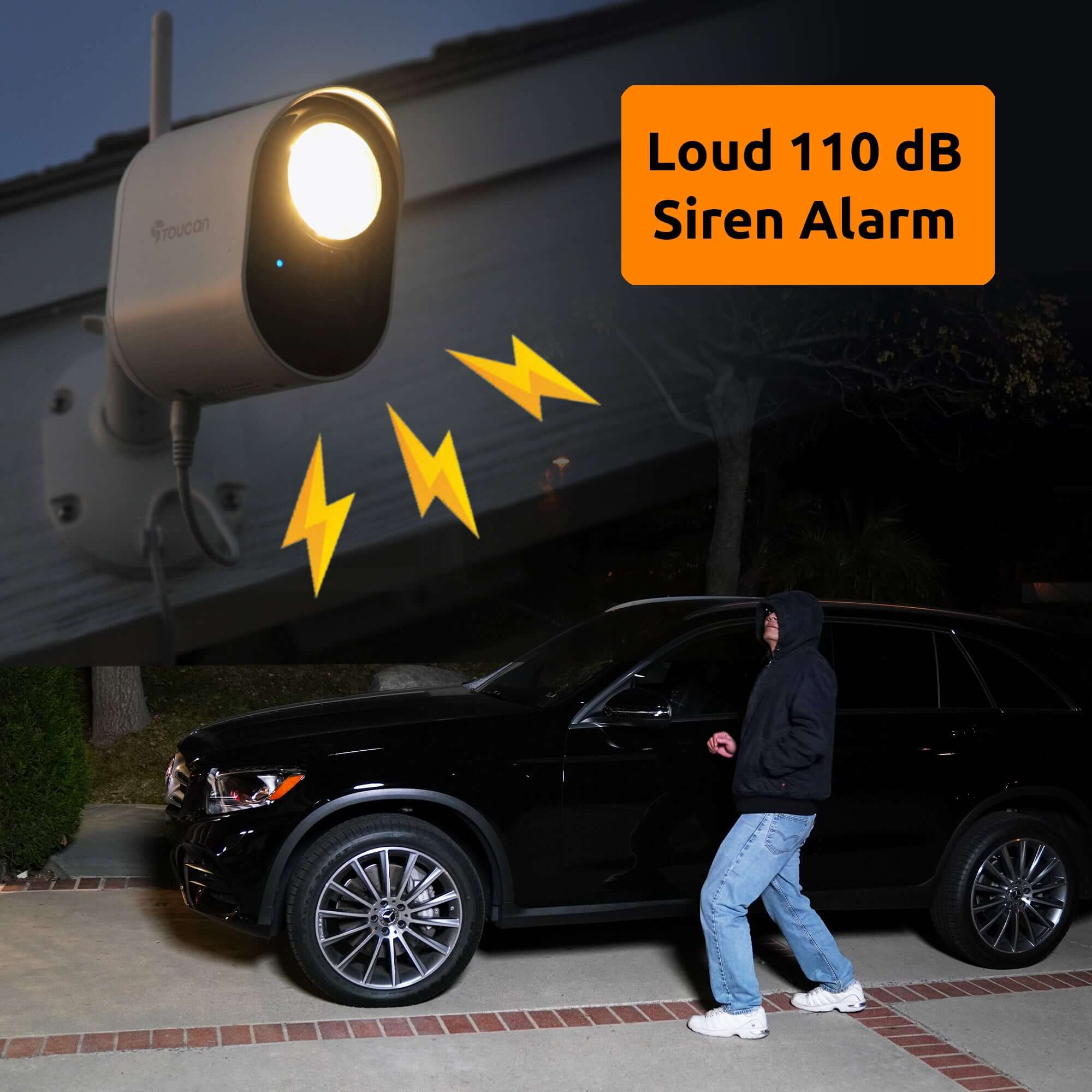
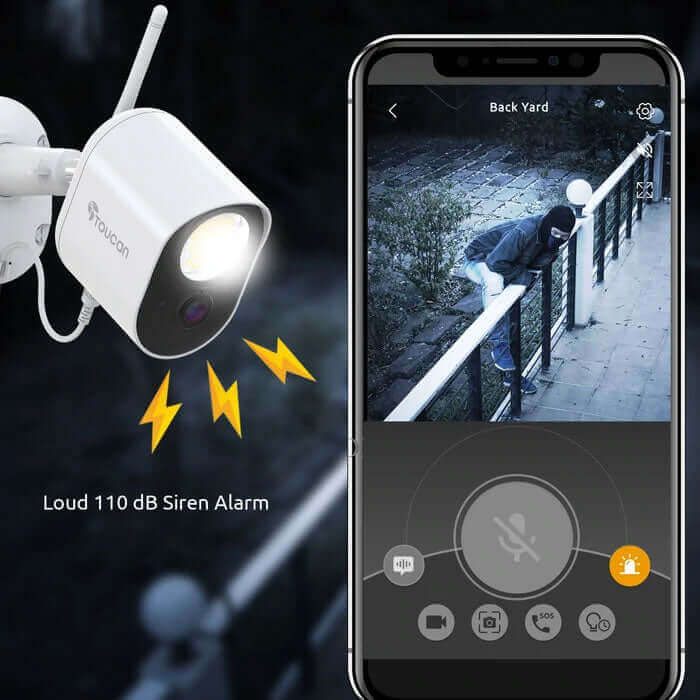
110dB Siren

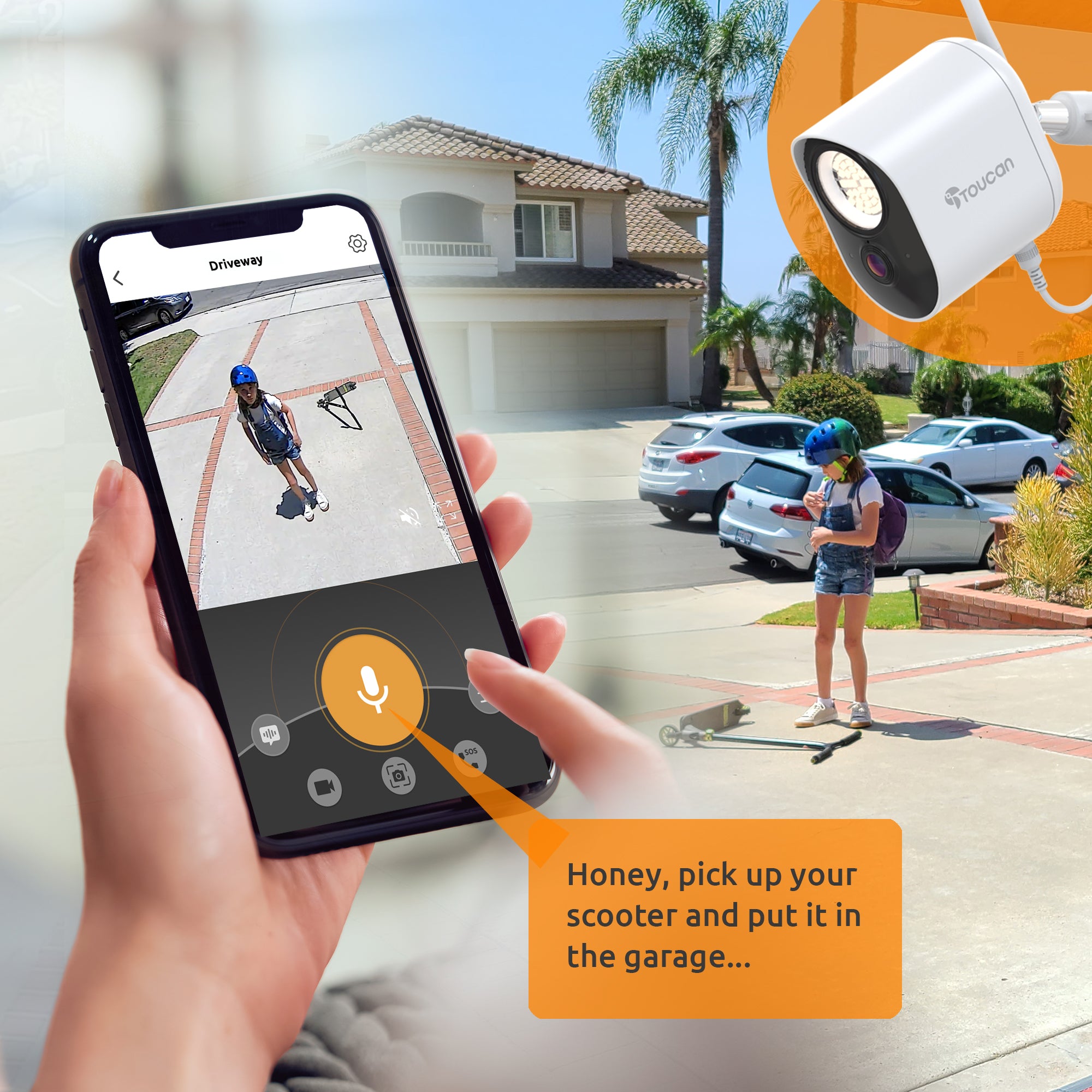
Pre-recorded Messages

Two-way Talk

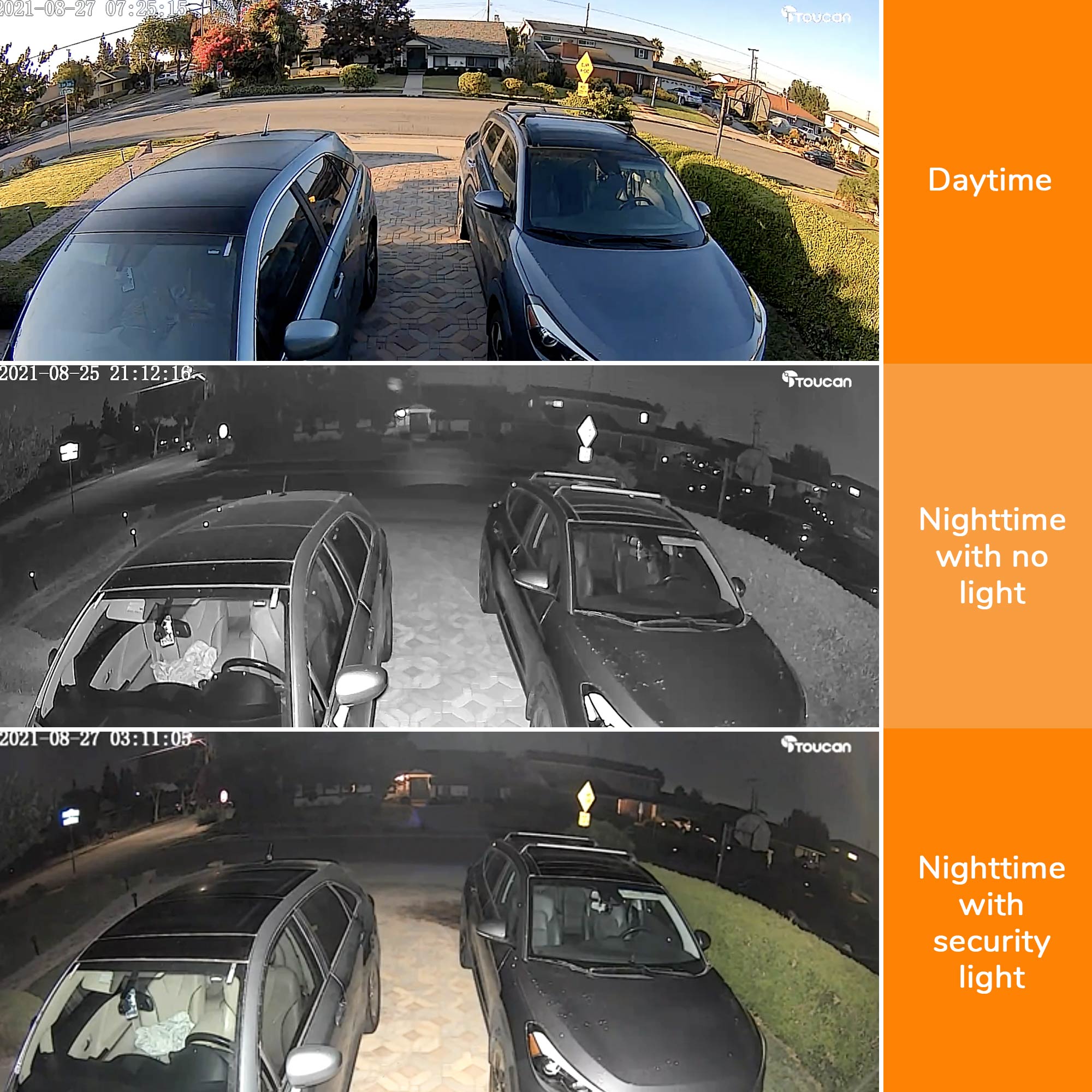
Night Vision

Video History

Video Encryption

Free 24-Hour Video Recording

Works With iOS & Android

Compatible Devices Amazon Alexa & Google Home

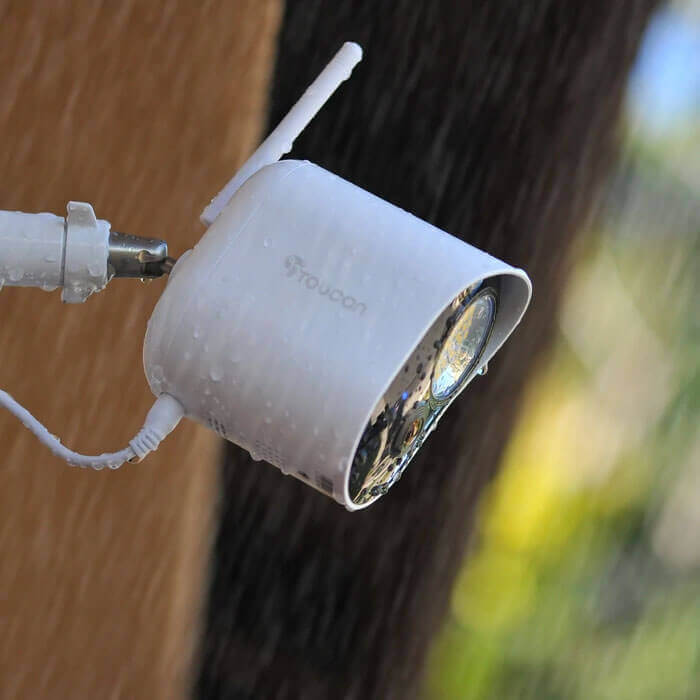
IP56 Weather Resistance
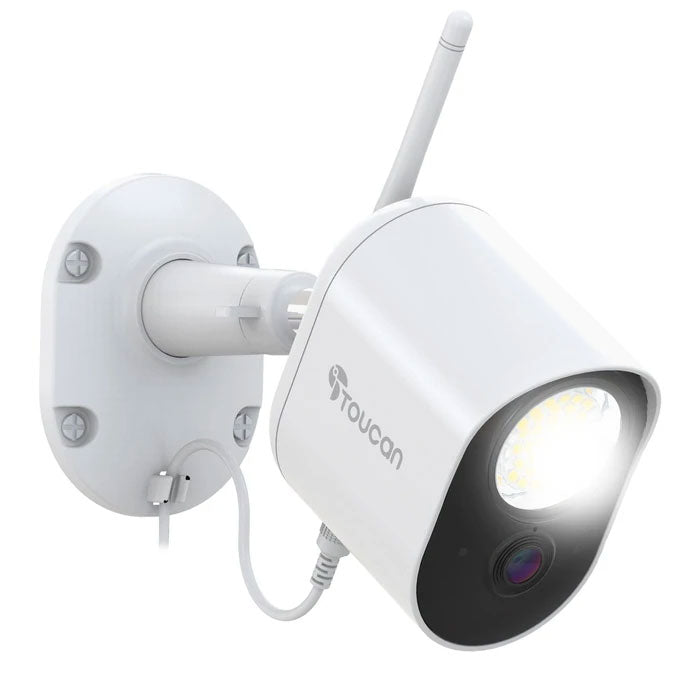
Toucan 1080p Floodlight Security Camera
£129.99
Powerful security. Built-in lighting.
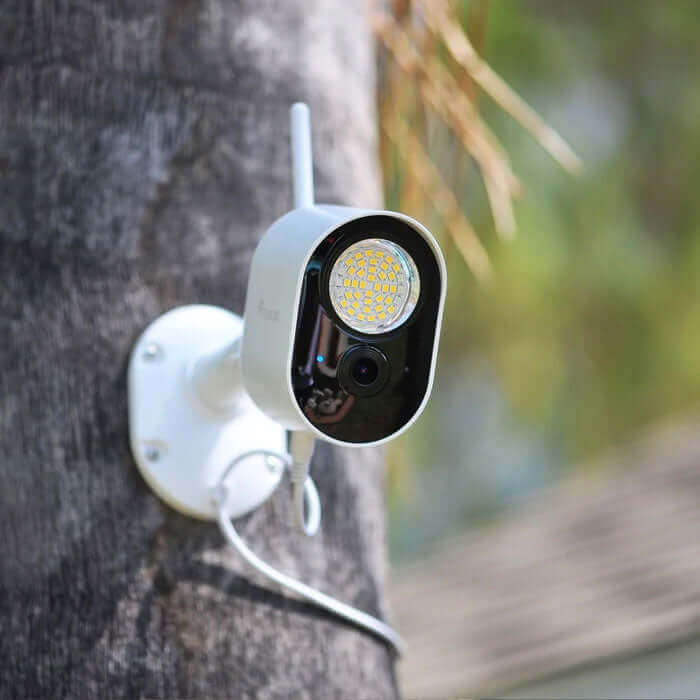
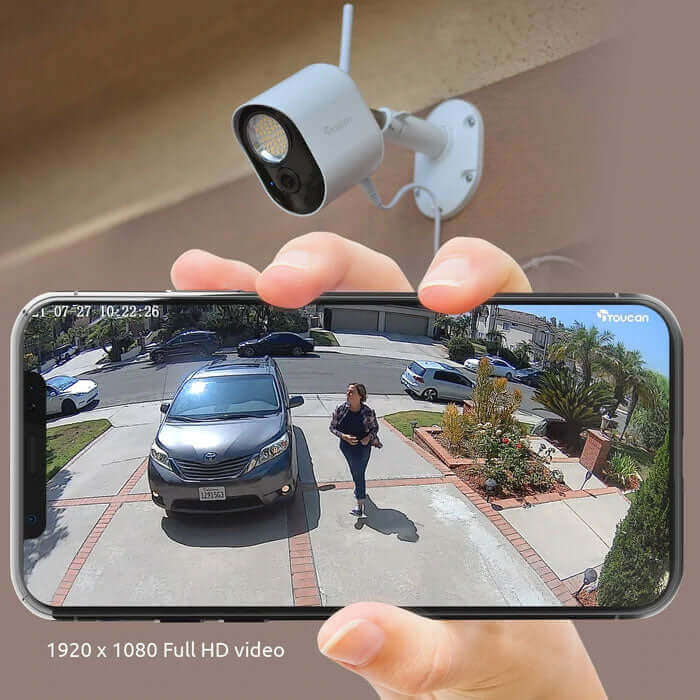
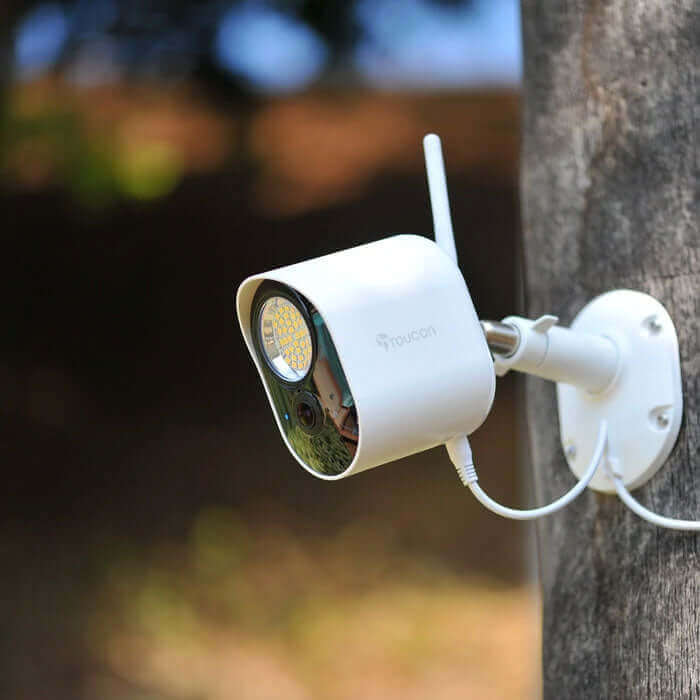
Keep an eye on your home day and night with the Toucan Security Light Camera. Combining a 1080p Full HD camera, 1200-lumen security light and radar motion detection in one compact device.
Key Features
- 1200-lumen security light – bright illumination when you need it
- 1080p Full HD video – clear, detailed footage day and night
- Radar motion detection – accurately detects movement around your home
- Night vision – see what's happening after dark
- 110dB siren – deter unwanted visitors directly from the app
- Two-way audio – speak to visitors through the camera
- Pre-recorded responses – quickly let people know you're watching
- Flashing light – Manually trigger help deter unwanted activity
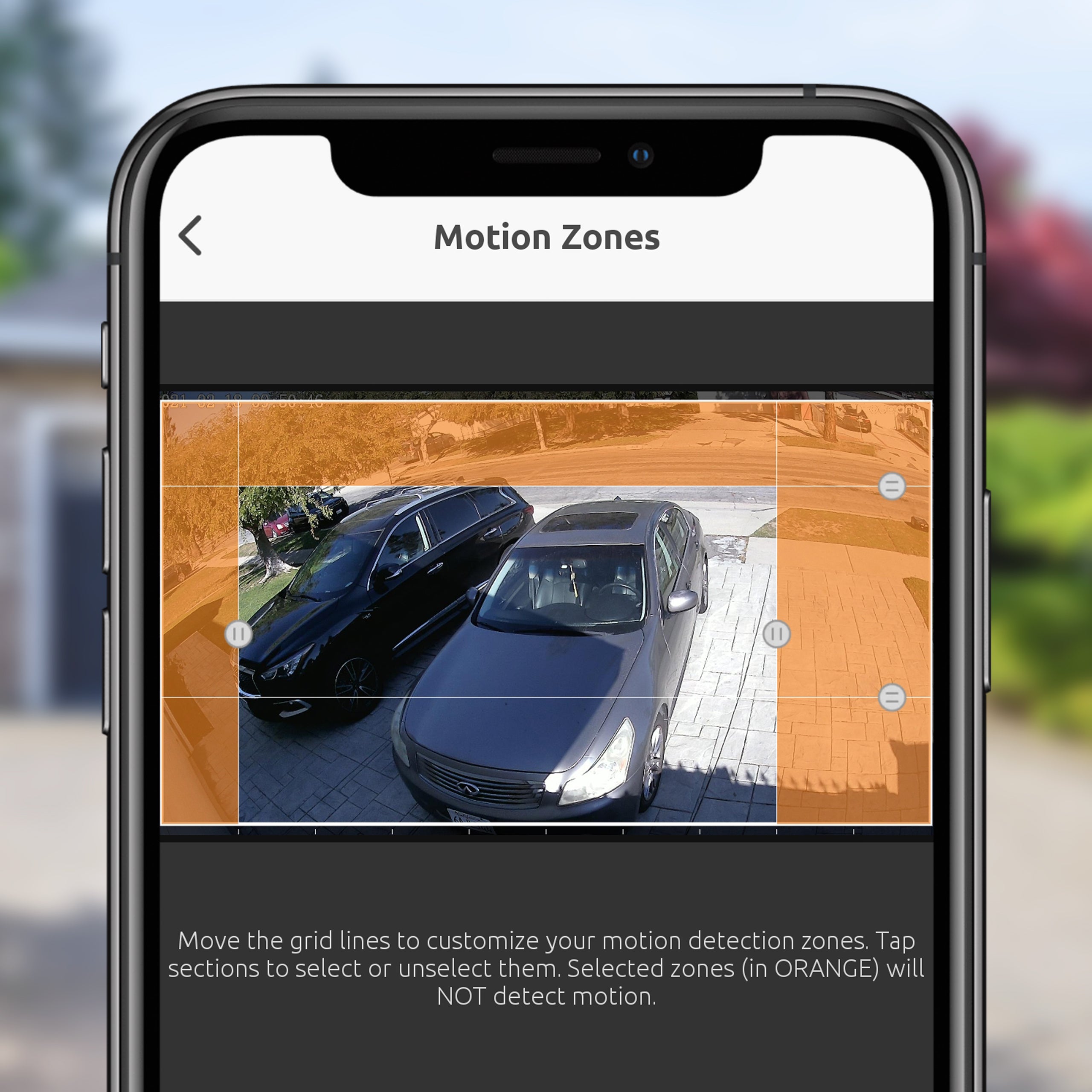
- Customisable motion zones – choose which areas the camera monitors
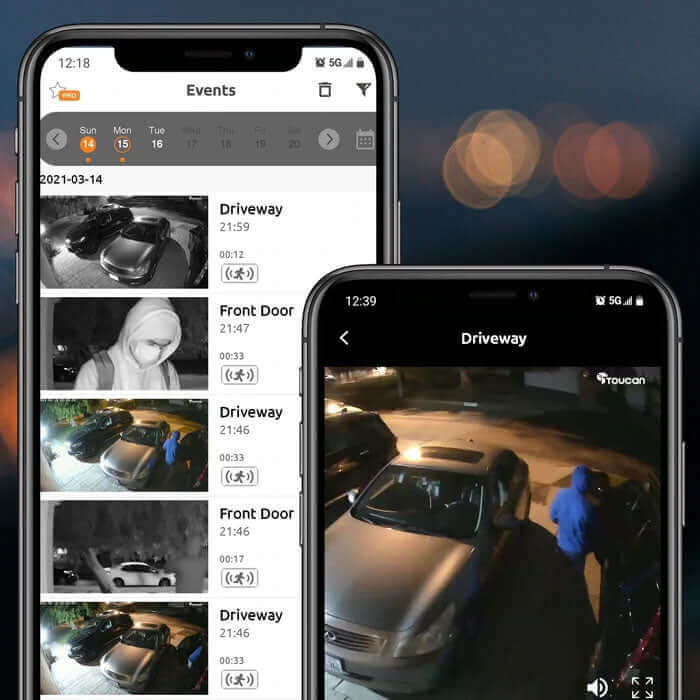
- 10-second rewind – review the moments before an event was recorded
- FREE 24-hour cloud storage – view recorded motion events from the last 24 hours
- Encrypted video – your recordings are protected for privacy
- Free Toucan Smart Home app – control your camera from your phone
- Continuous mains power – no regular battery charging required
- Wi-Fi connected – no hub required
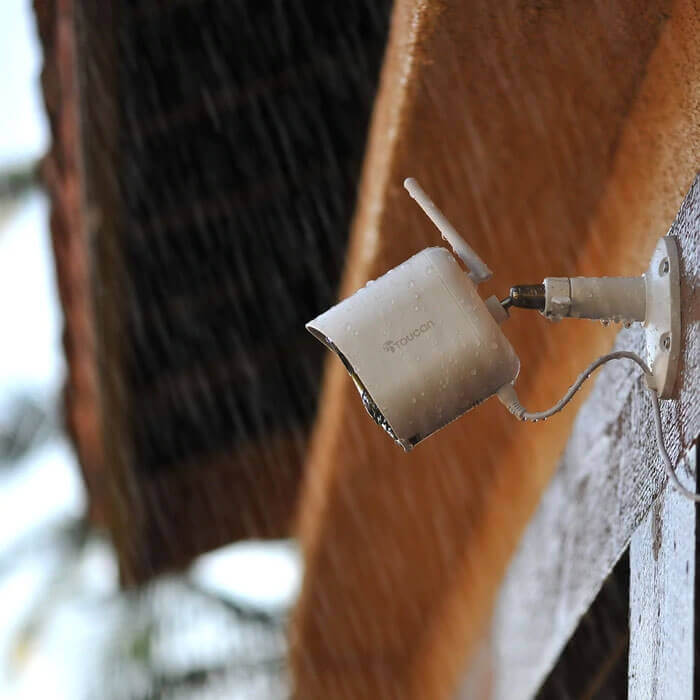
- IP56 weather resistant – designed for outdoor use
- 8m weather-resistant power cable – flexible installation options
Smart Lighting
Choose how your security light works:
- Motion activated – automatically turns on when movement is detected
- Manual control – switch it on or off from the app
- Scheduled – set specific times for the light to operate
Easy to Install
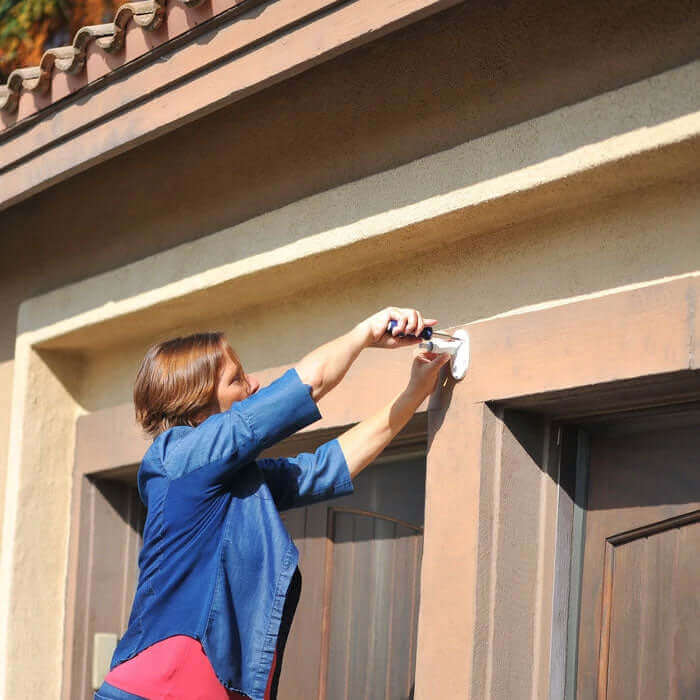
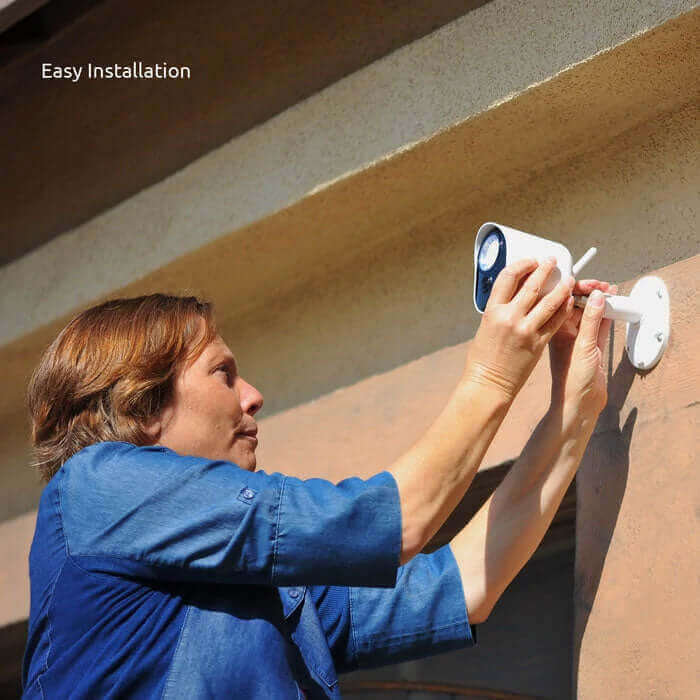
Get your camera up and running in minutes:
- Connect to your 2.4GHz Wi-Fi
- Mount the camera
- Connect the power cable
- Set up using the Toucan Smart Home app
No Subscription Required
Your camera includes the FREE Toucan Basic Shield Plan, giving you:
- 24-hour access to recorded motion events
- No hub required
- No mandatory subscription
Optional Shield Plans are available if you want longer recording history and additional features.
Simple to install. Powerful protection. No subscription required.
Product highlights
Super Bright 1200Lm
Radar Motion Detection
110dB Siren
Pre-recorded Messages
Two-way Talk
Night Vision
Video History
Video Encryption
Free 24-Hour Video Recording
Works With iOS & Android
Compatible Devices Amazon Alexa & Google Home
IP56 Weather Resistance
Toucan 1080p Floodlight Security Camera
£129.99

What people are saying

Get more out of your device
None of our products require a subscription to function, but our Toucan Shield Plans elevate their potential
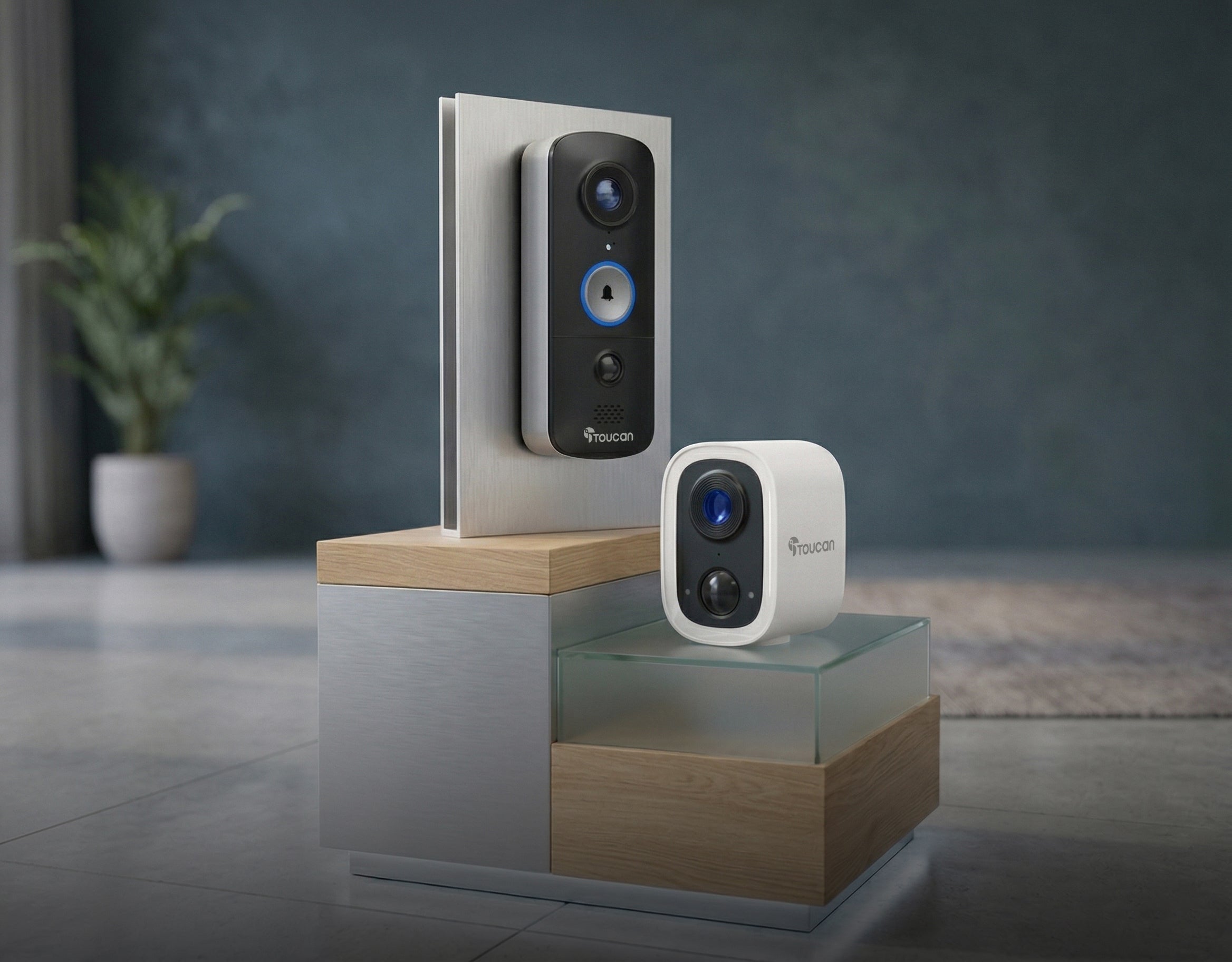
Compatible with the Toucan Smart Home App!
Tech Specs
Video
Detection
Audio
Power
Connectivity
Other
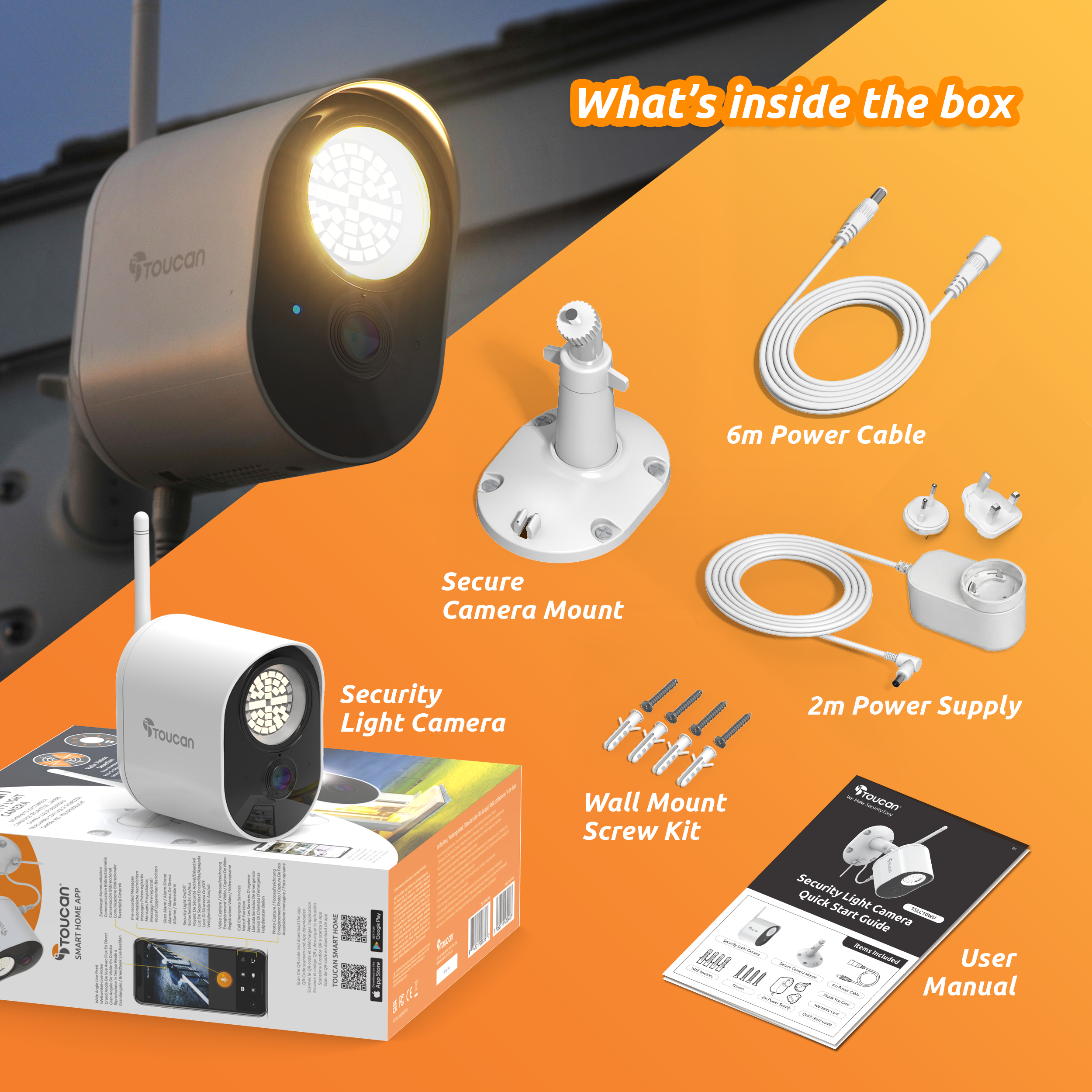
What's in the box?
FAQs
For more FAQs, please check our dedicated FAQ page