






Product highlights

360° Microphones

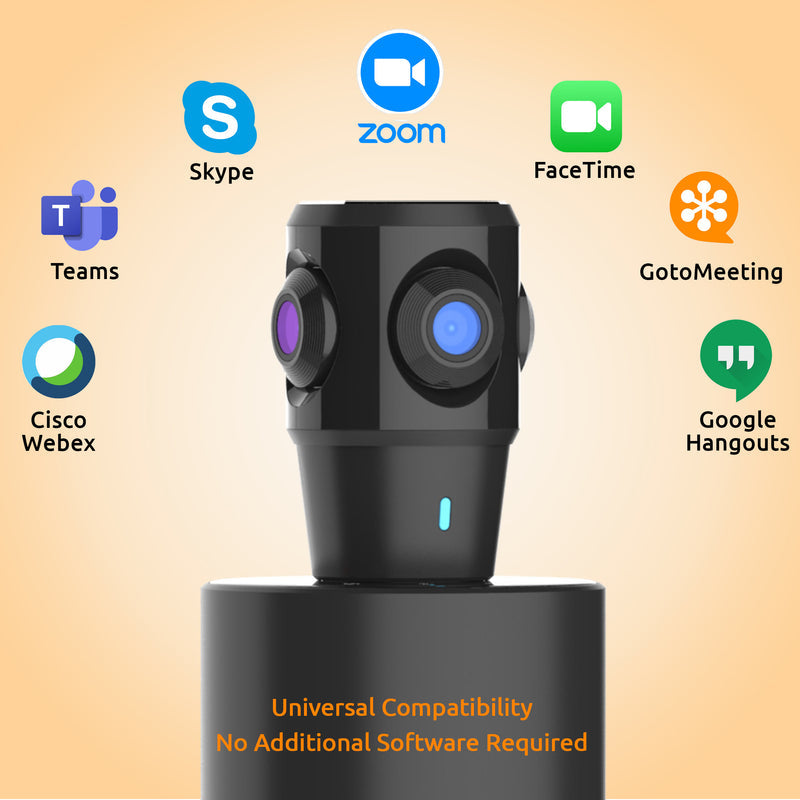
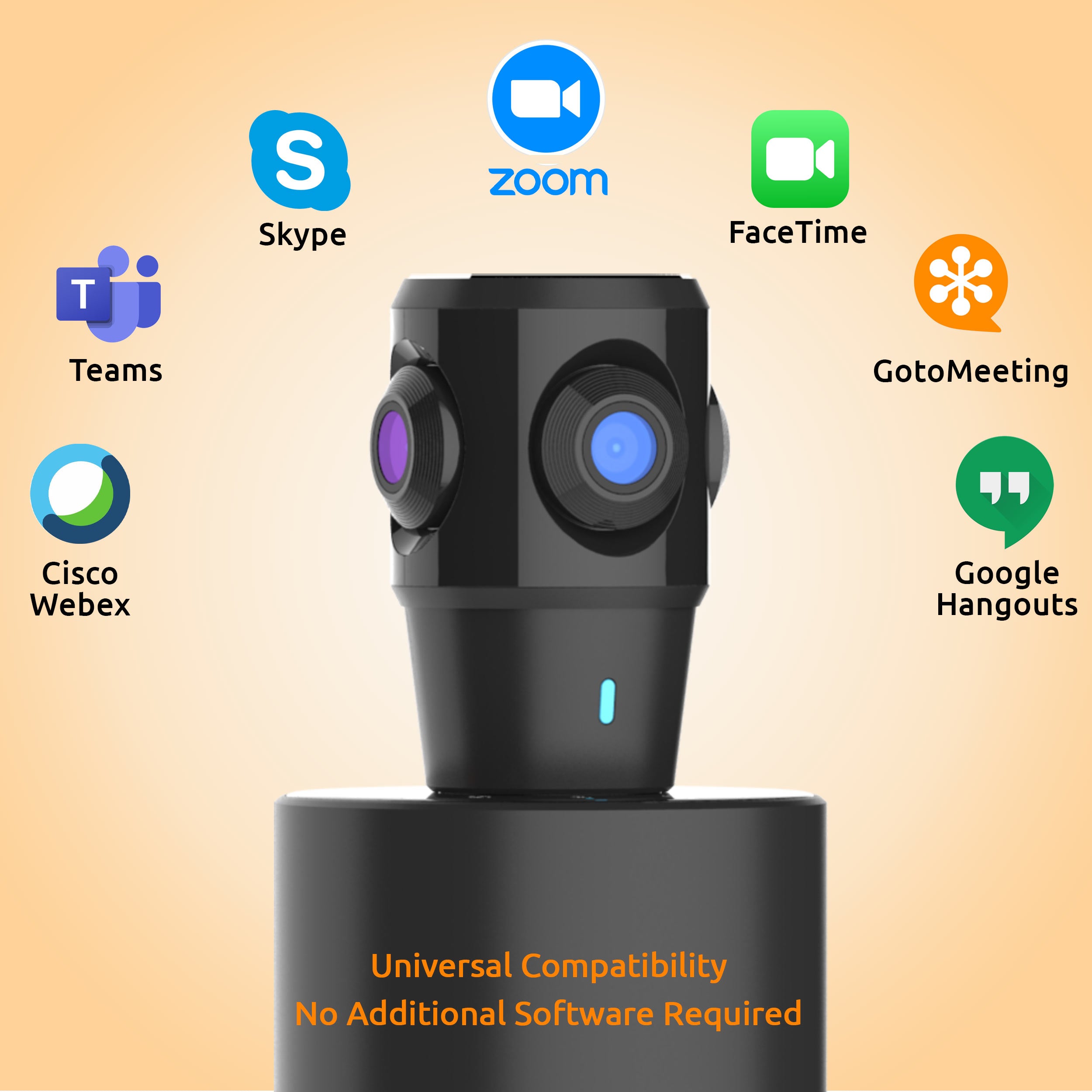
Universally Compatible

4 Display Modes

AI Voice Tracking

High Quality Speaker

Echo & Noise Cancellation

Bluetooth Connectivity
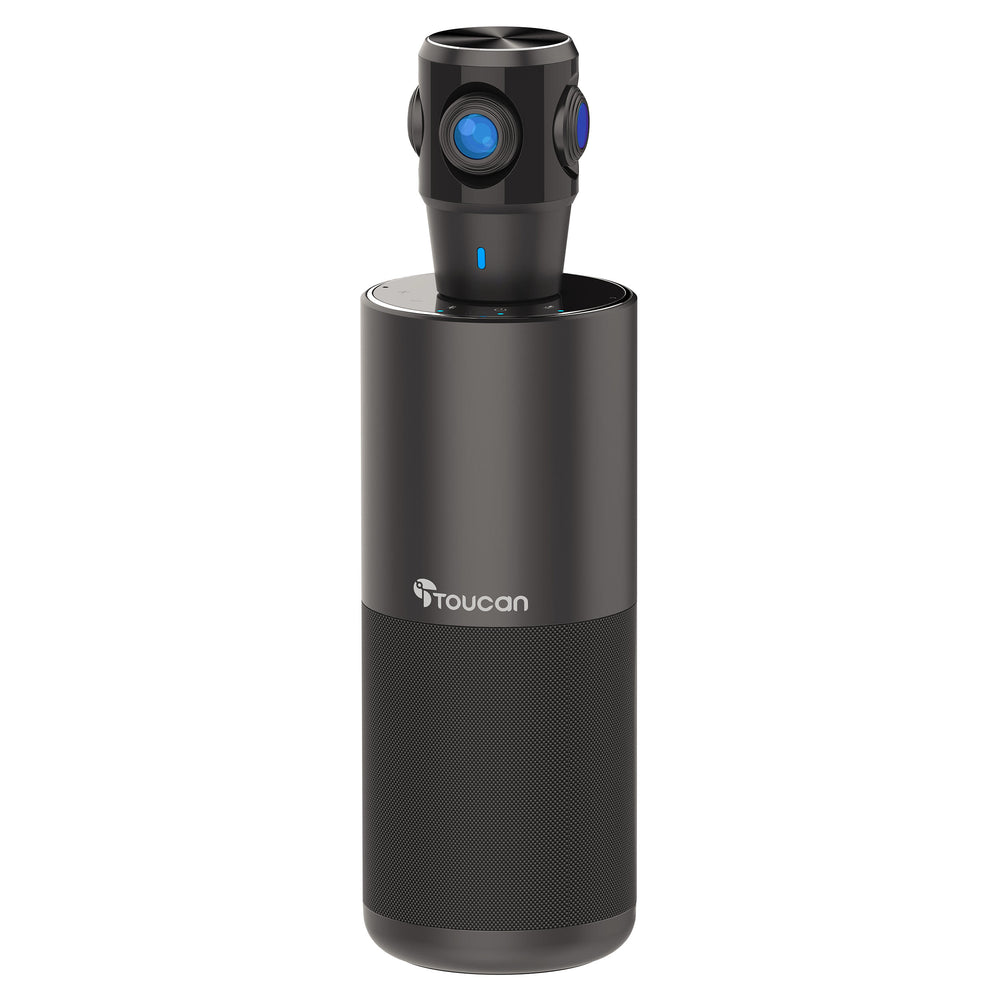
Toucan Connect SC360 360° Video Conference System
£449.99
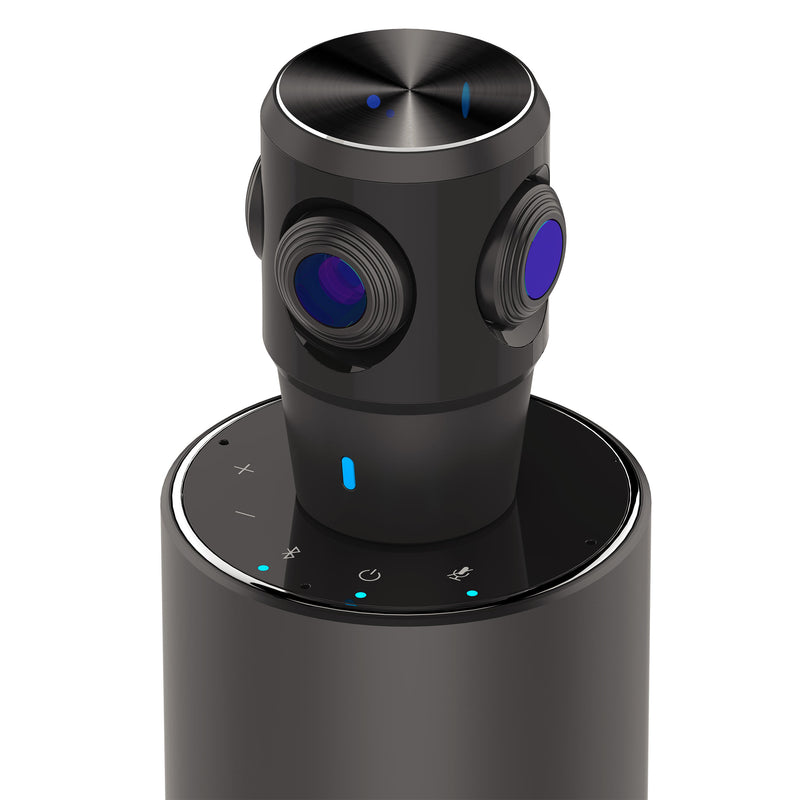
The Toucan Video Conference System 360° is a complete conference solution. With 4 omnidirectional microphones and AI intelligent speaker tracking everyone in the room can be seen and heard clearly. Featuring echo and noise cancellation, a full 360° conference camera, a 5W speaker, and a simple plug-and-play interface, this conference system will ensure seamless team meetings but is also great for solo meetings with the ability to simply focus on one person.
- Plug and Play - with no extra software needed simply connect with the included USB cable and you're ready to go.
- Works seamlessly with most conference software.
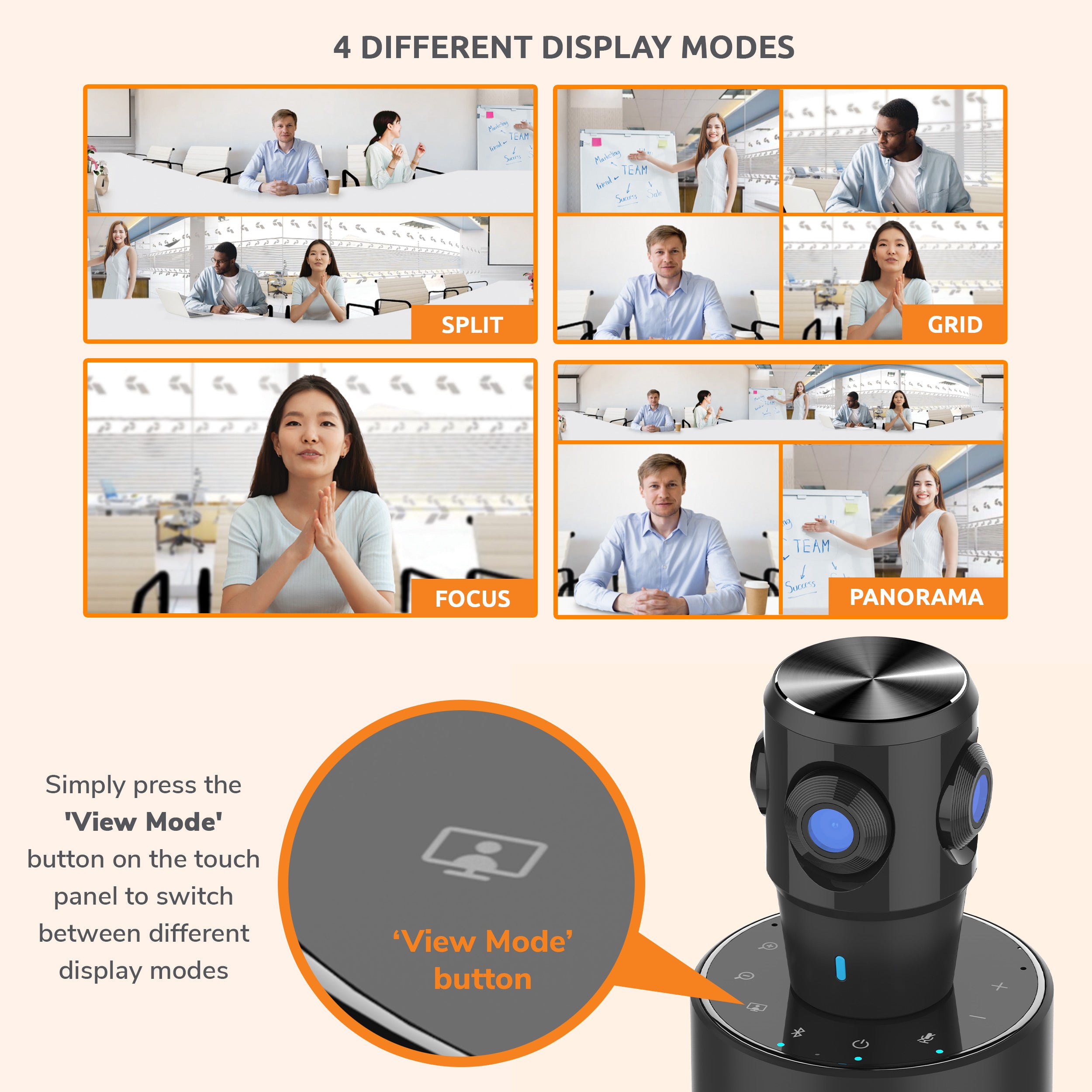
- 4 Display modes -
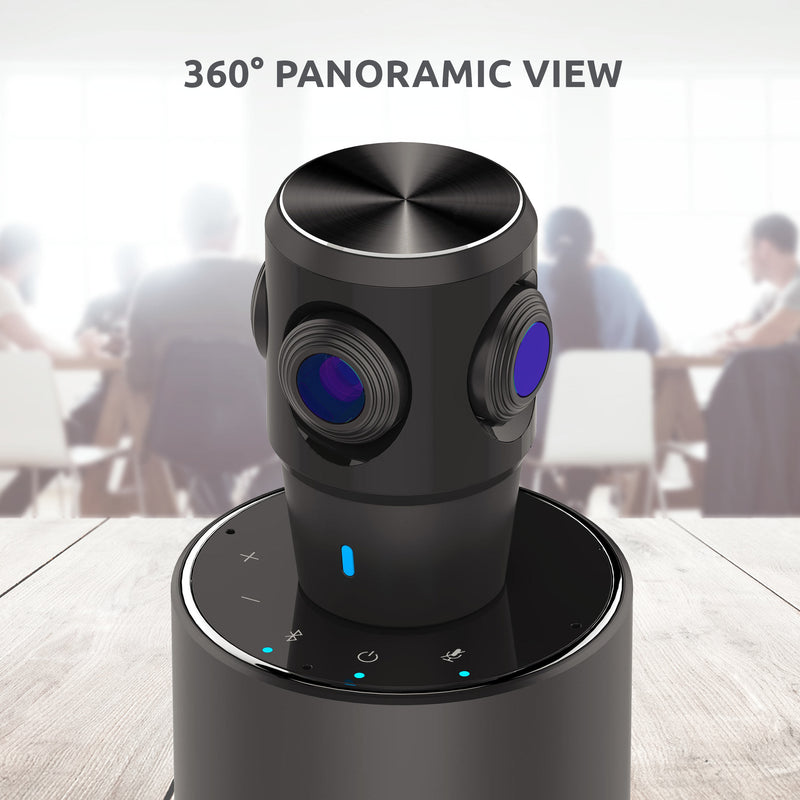
- Panorama - full 360° view
- Split -two 180° views top and bottom
- Focus - focuses on the speaker (great if you're on your own)
- Grid - split screen showing 4 views.
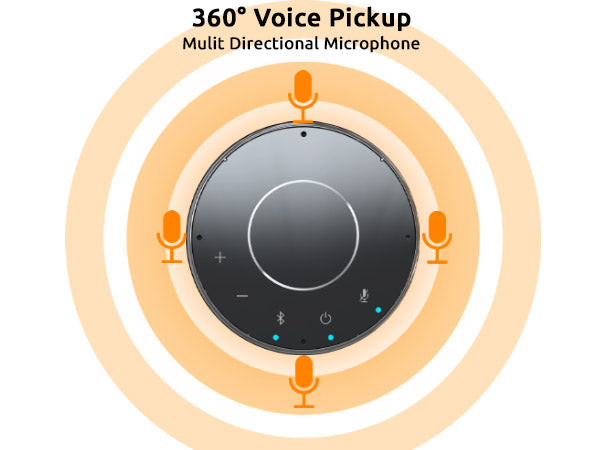
- With built-in multidirectional (omnidirectional), advanced real-time echo and noise-canceling microphones mean you will be heard from anywhere in the room.
- 5W speaker provides excellent quality sound on a call.
- The system's advanced Voice Tracking automatically tracks and focuses on the person speaking.
- Designed with flexibility and hybrid working.
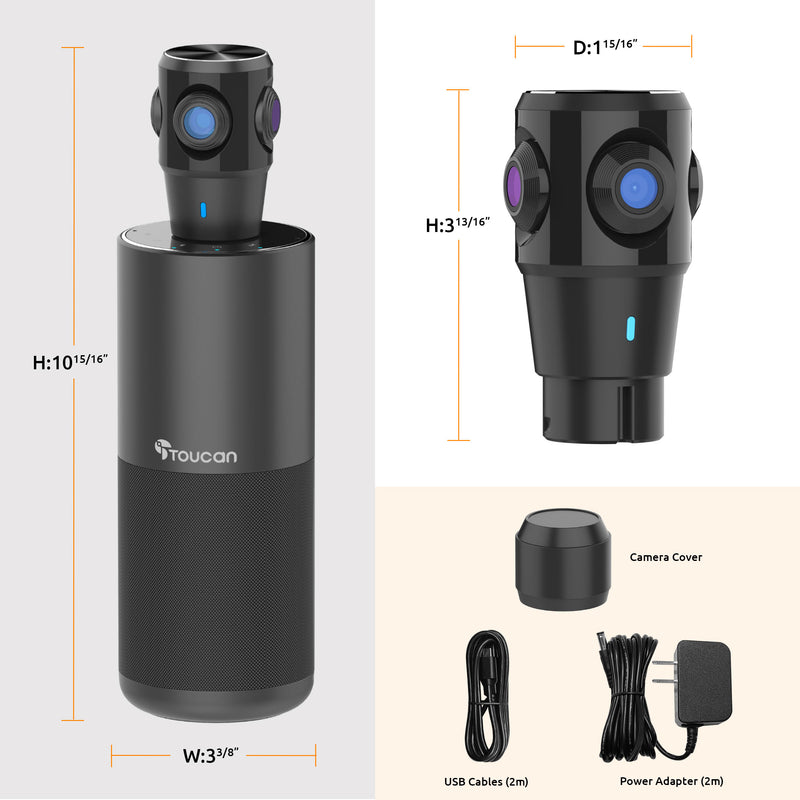
- Its elegant design with a small footprint will fit on any conference table or desktop.
- Listen to music when not on a call.
- Portable and easy to take with you from home, to office to meeting room.
Product highlights
360° Microphones
Universally Compatible
4 Display Modes
AI Voice Tracking
High Quality Speaker
Echo & Noise Cancellation
Bluetooth Connectivity
Toucan Connect SC360 360° Video Conference System
£449.99


What people are saying

Get more out of your device
None of our products require a subscription to function, but our Toucan Shield Plans elevate their potential
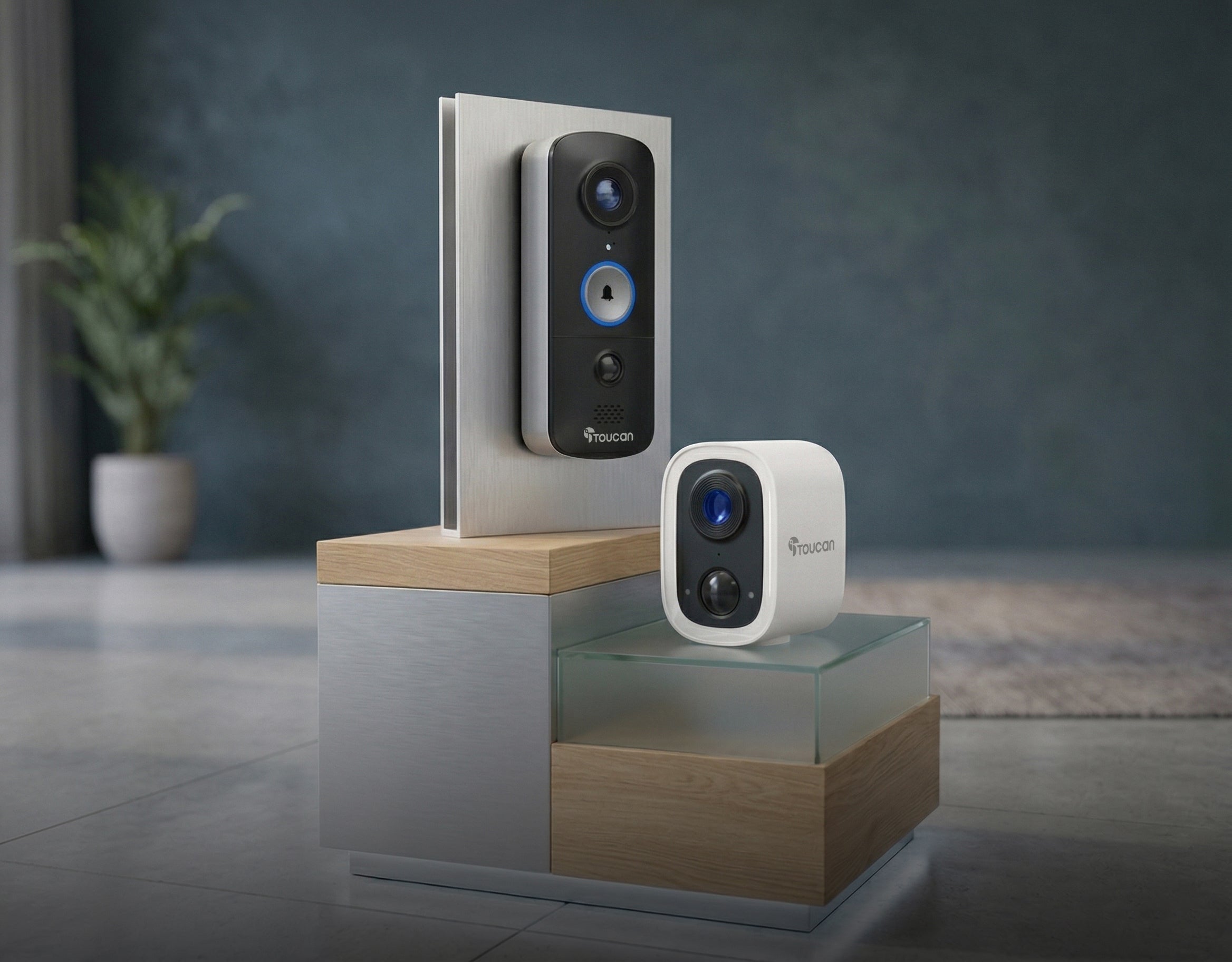
Compatible with the Toucan Smart Home App!
Tech Specs
Video
Detection
Audio
Power
Connectivity
Other
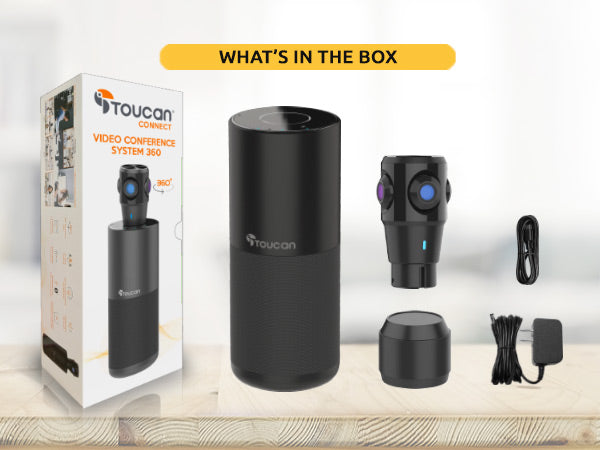
What's in the box?
FAQs
For more FAQs, please check our dedicated FAQ page