



Product highlights


Toucan Video Conference System HD
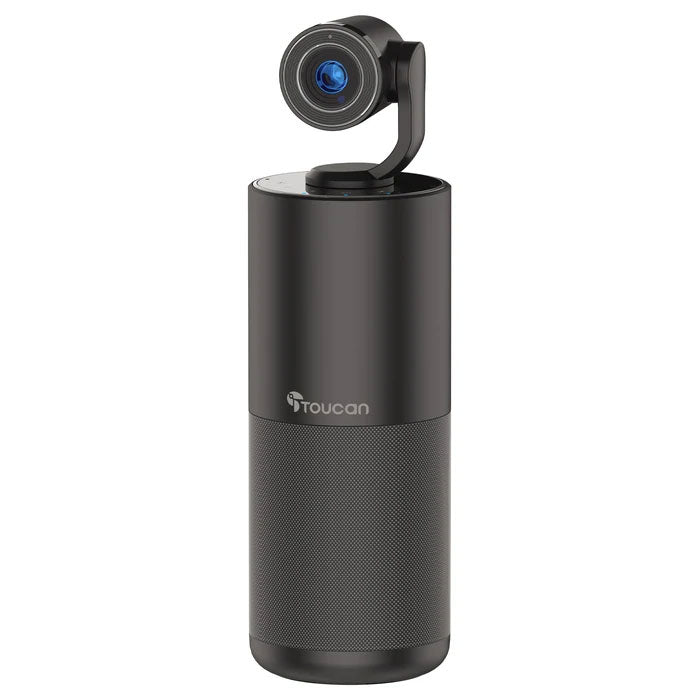
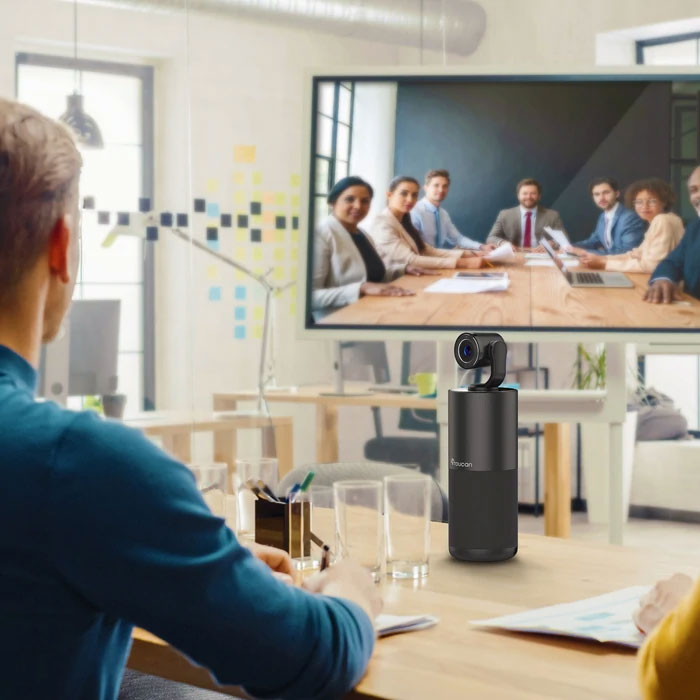
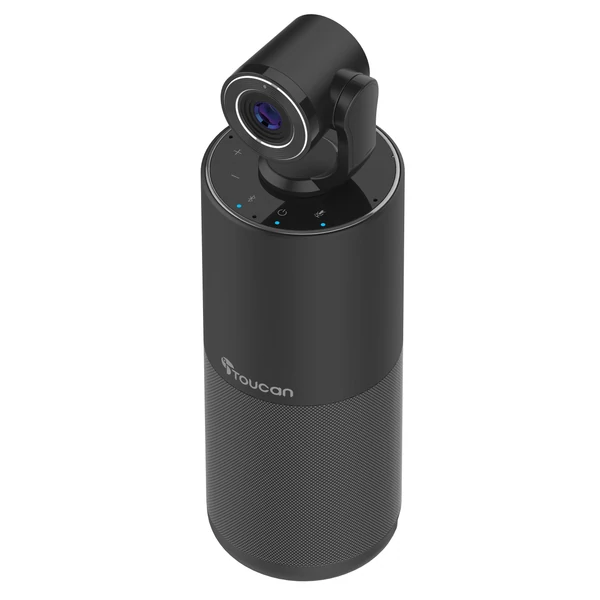
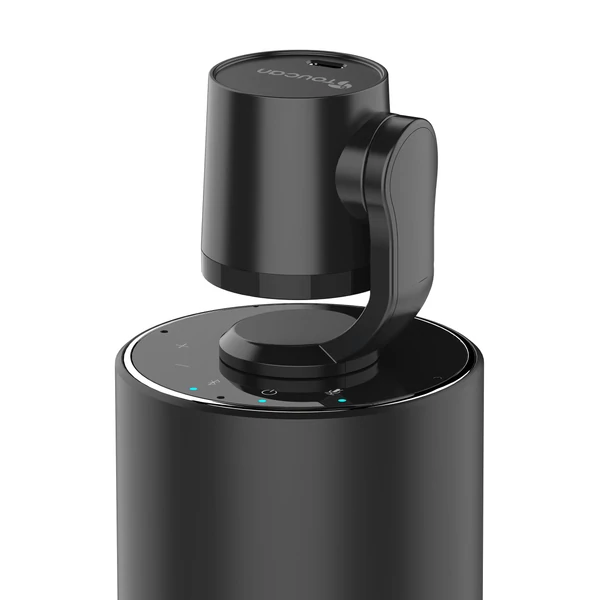
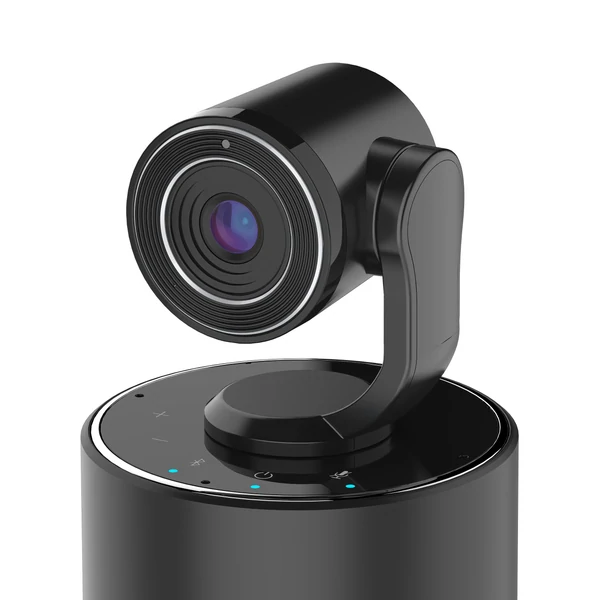
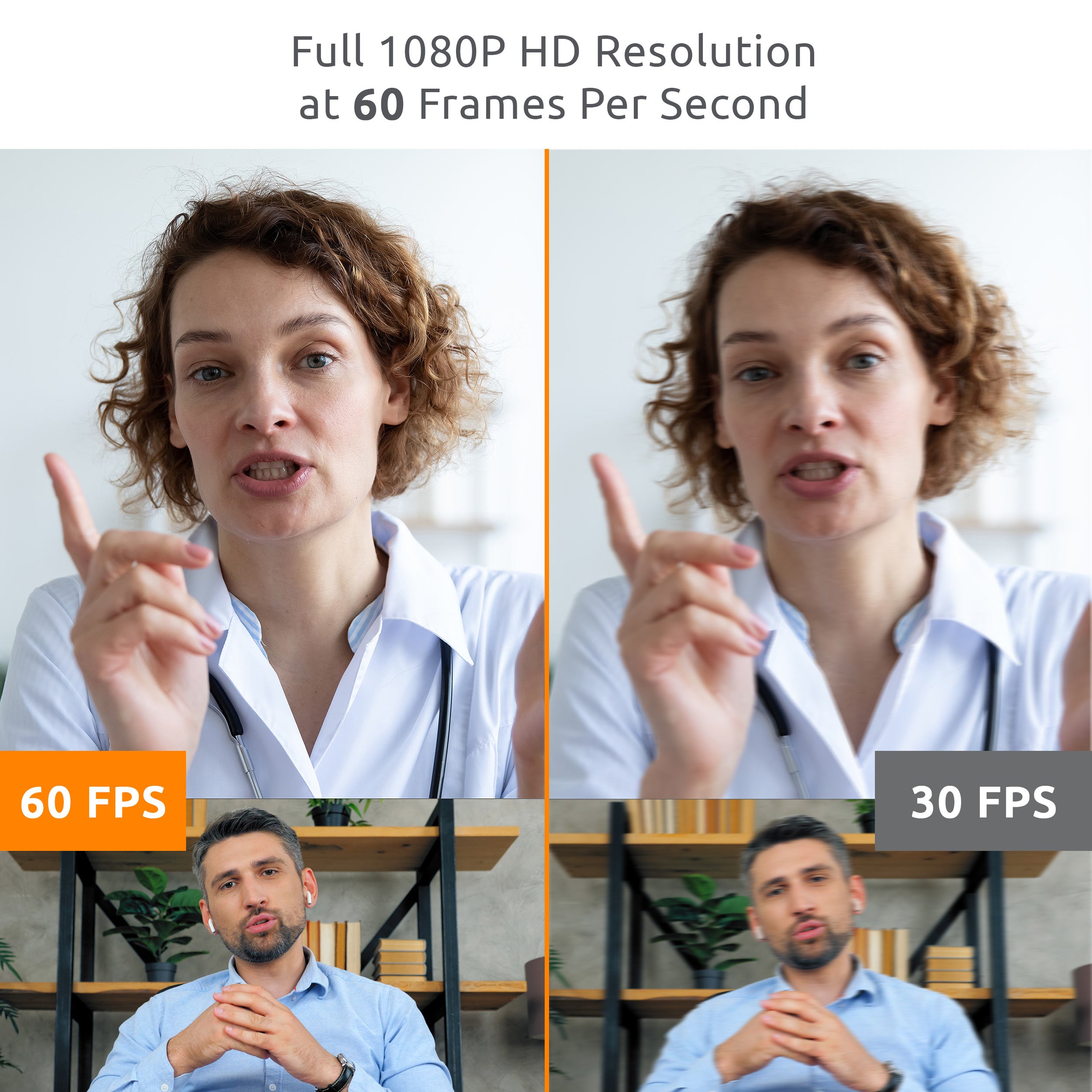
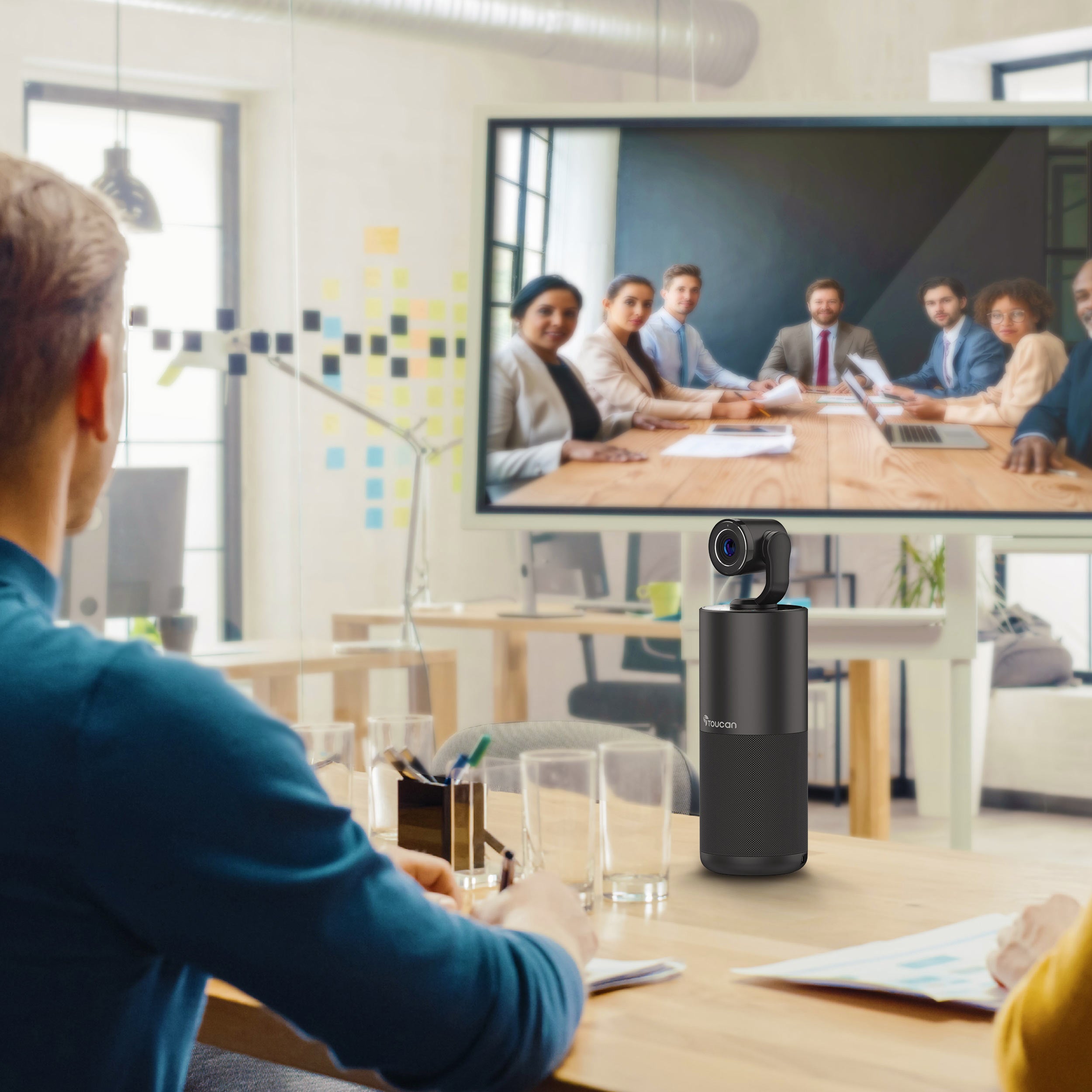
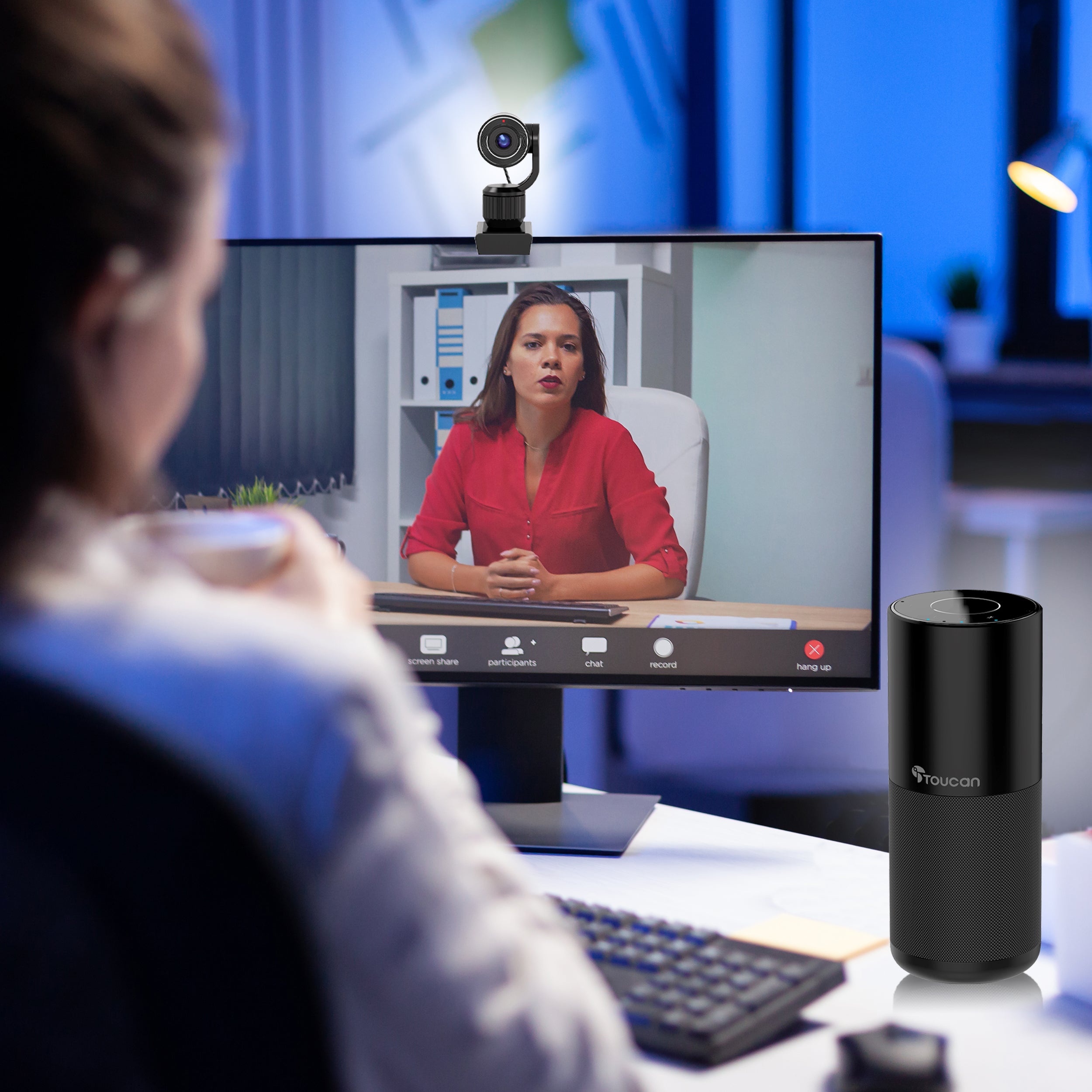
The Toucan Connect is the perfect companion when it comes to remote meetings. If you’re working from home or in an office environment this multi-tasking speaker and camera delivers superior image and sound quality whether your call is local or international. Compatible with widely available conference software it can be used with your computer or phone/tablet making it easy to connect anywhere, anytime. Featuring 4 built-in multi-directional microphones with echo cancellation, a removable 1080p wide-angle camera, high-quality speakers and a simple plug-and-play interface, you can be up and running in no time.
- 4 built-in multi-directional microphones with echo cancellation.
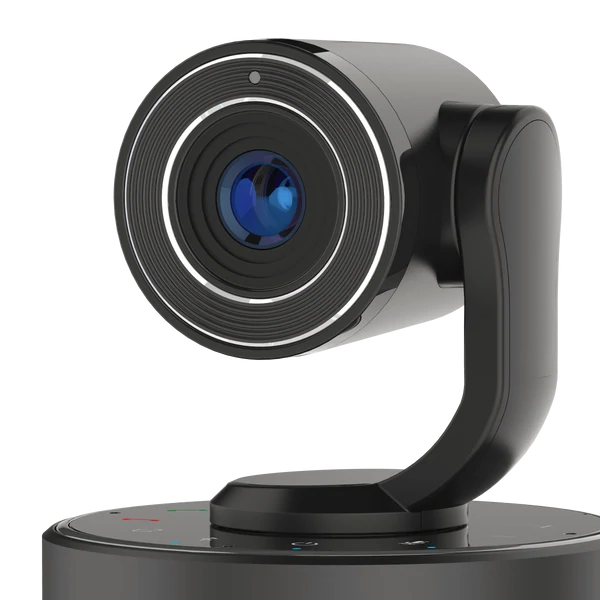
- Removable 1080p camera with 89-degrees field of view.
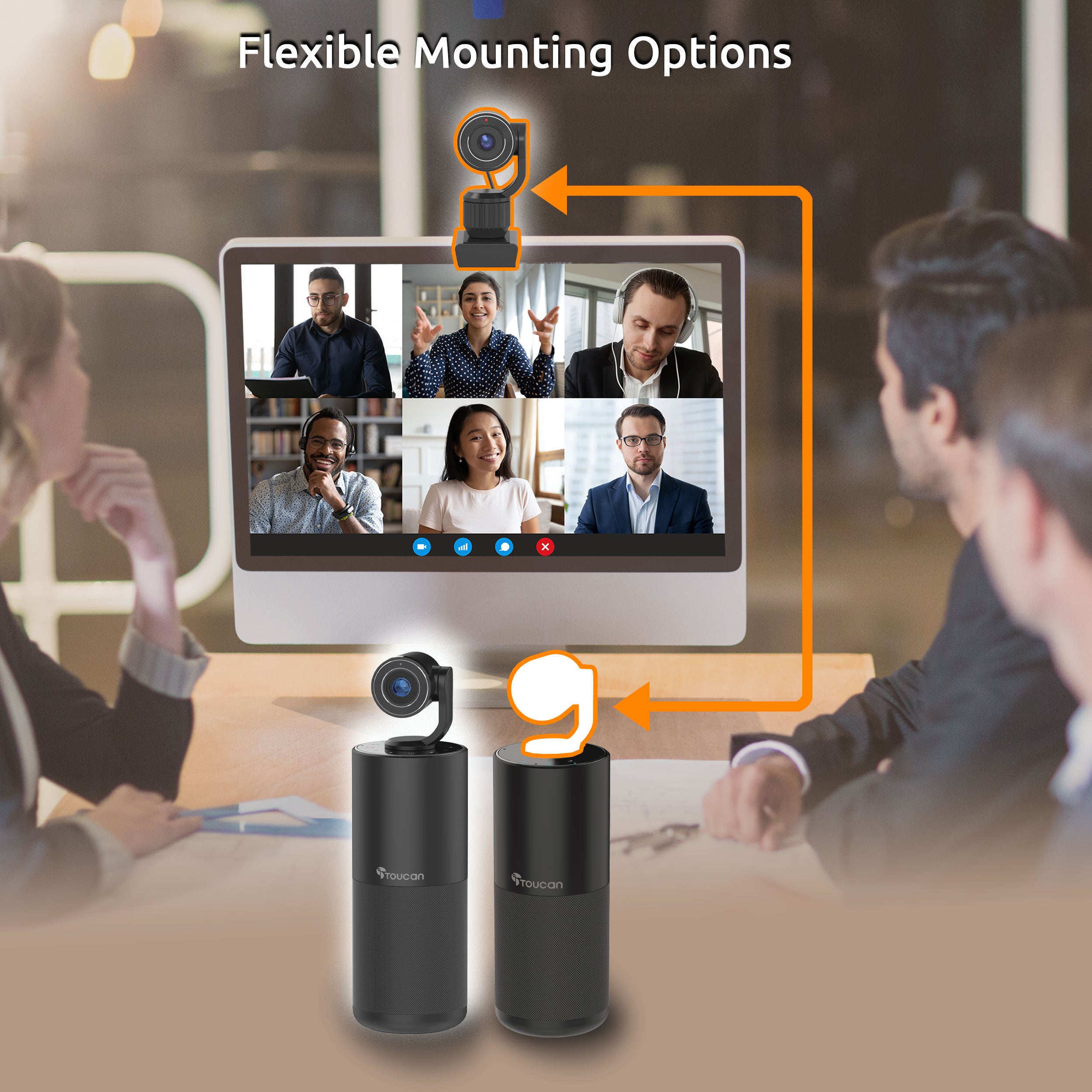
- Detach the camera from the speaker and use the included USB cable for convenient relocation.
- Use with your phone or tablet for improved handsfree audio performance (phones/tablets do not support HD camera module - audio only)
- Compact to fit into any office or home space.
- Bluetooth 5.0 and USB connection required.
- Quality sound for calls and listening to music.
- 2 USB ports for device charging and external drives.
- Compatible with computers running Windows 7 or later and MacOS 10.12 or later.
Product highlights
Toucan Video Conference System HD

What people are saying

Get more out of your device
None of our products require a subscription to function, but our Toucan Shield Plans elevate their potential
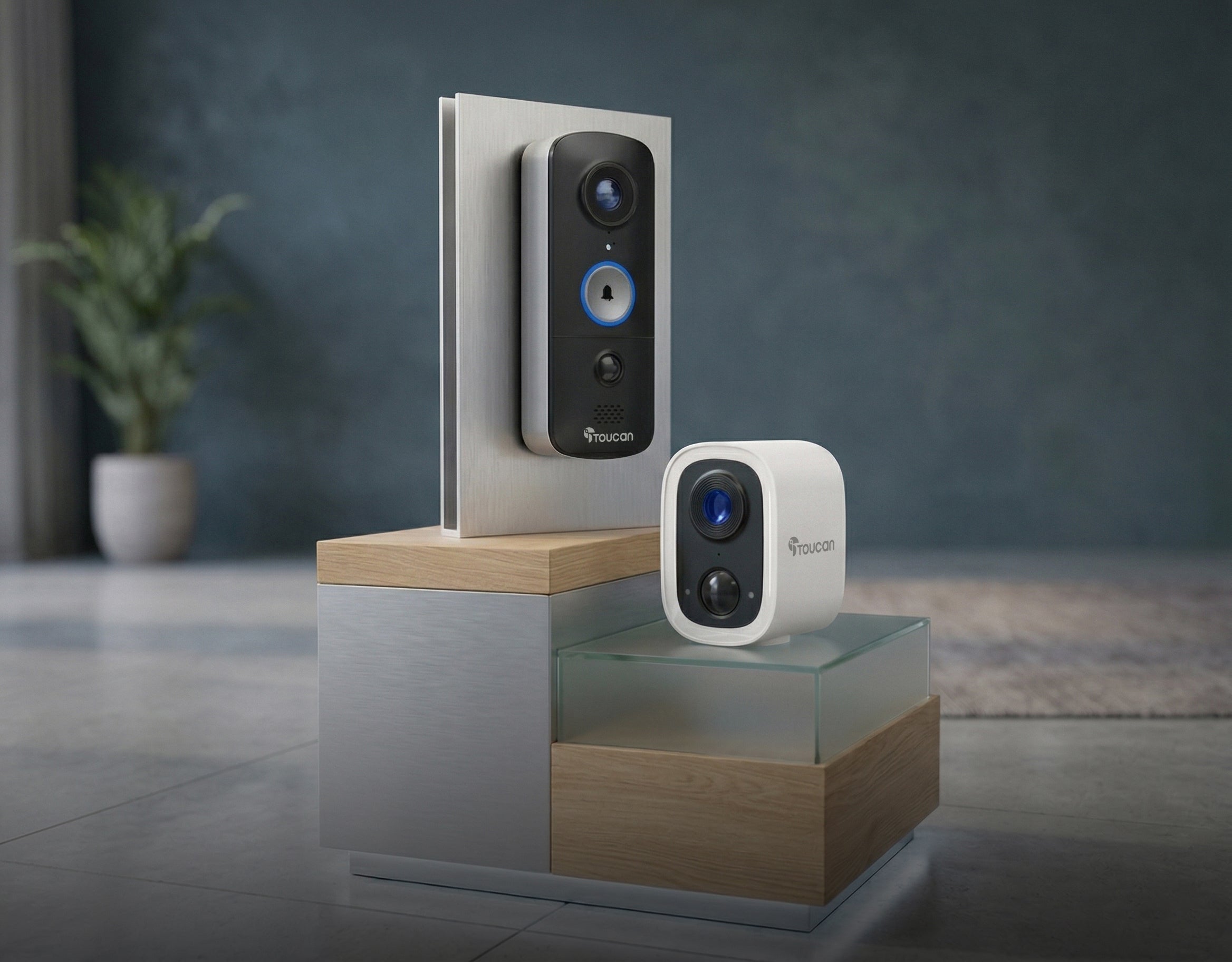
Compatible with the Toucan Smart Home App!
Tech Specs
Video
Audio
Power
Connectivity
Other
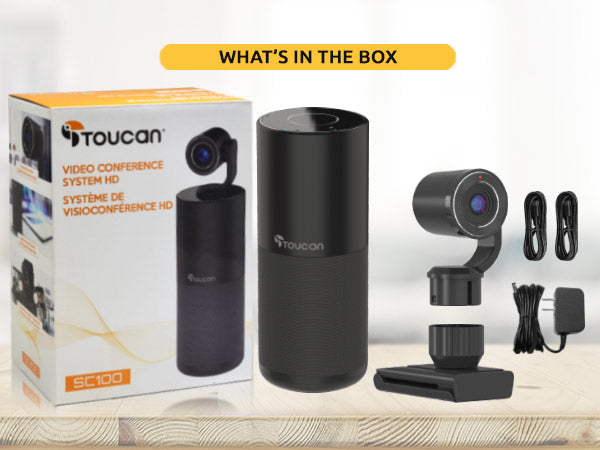
What's in the box?
FAQs
For more FAQs, please check our dedicated FAQ page