



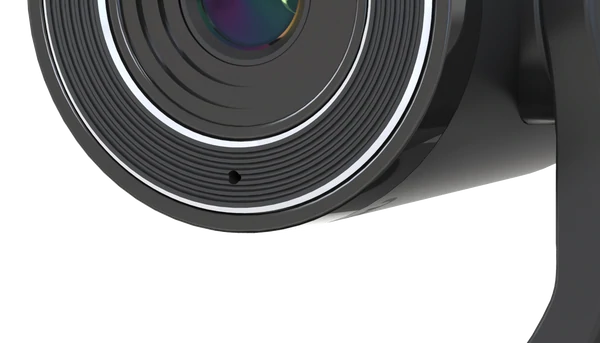
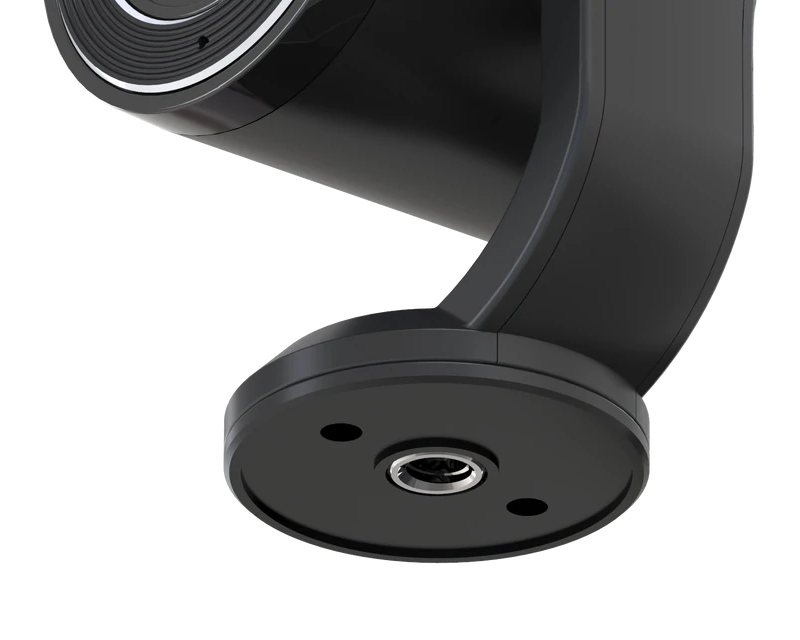
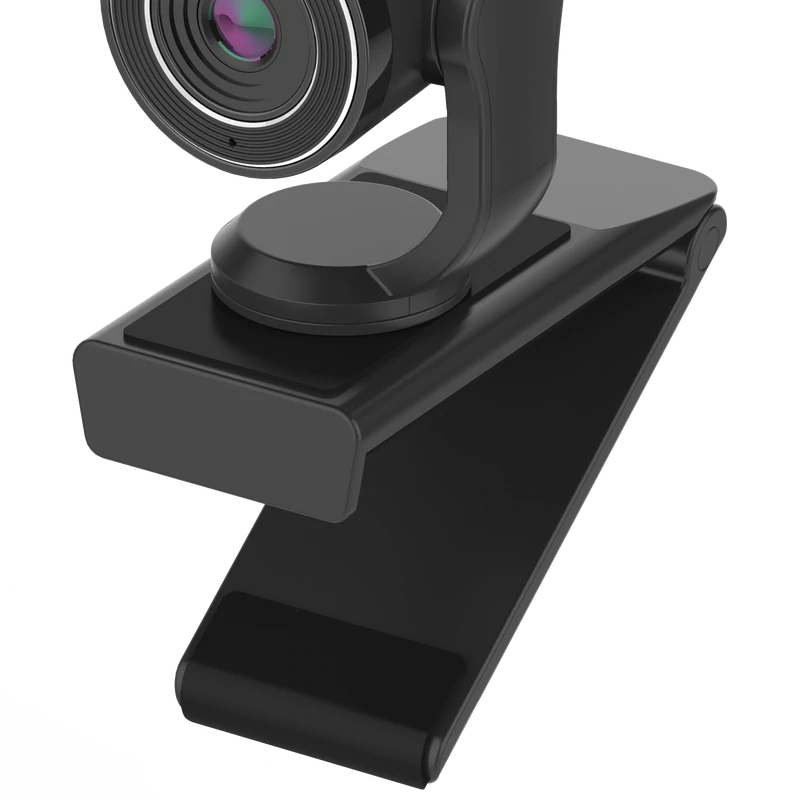


Product highlights

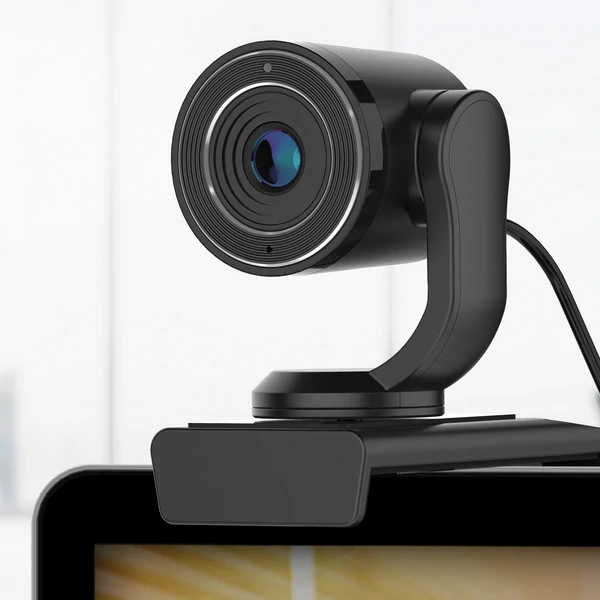
Mount Included

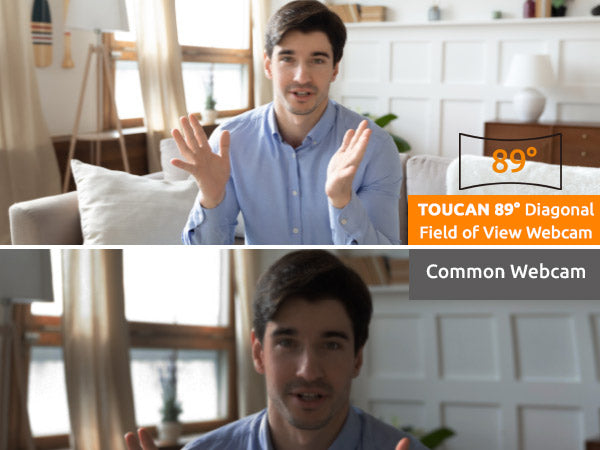
Field of View

Universally Compatible

Echo & Noise Cancellation
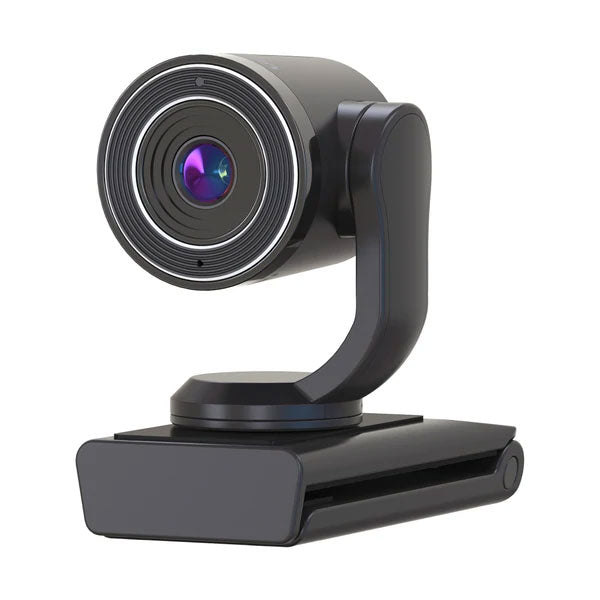
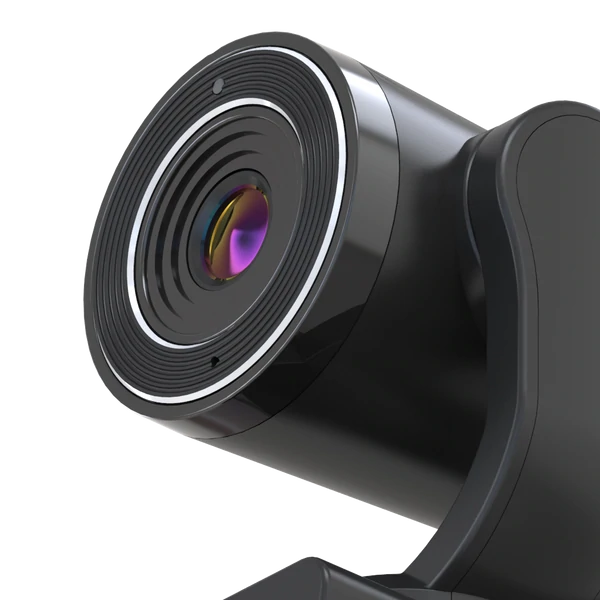
Toucan Connect W100 2.5K Streaming Webcam
£59.99
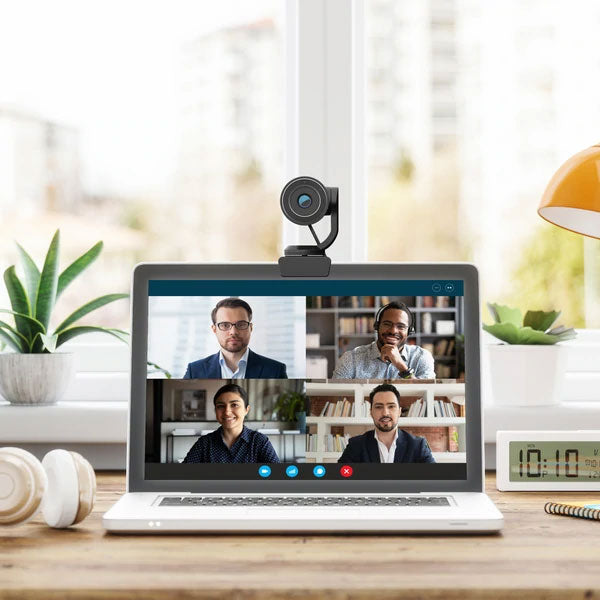
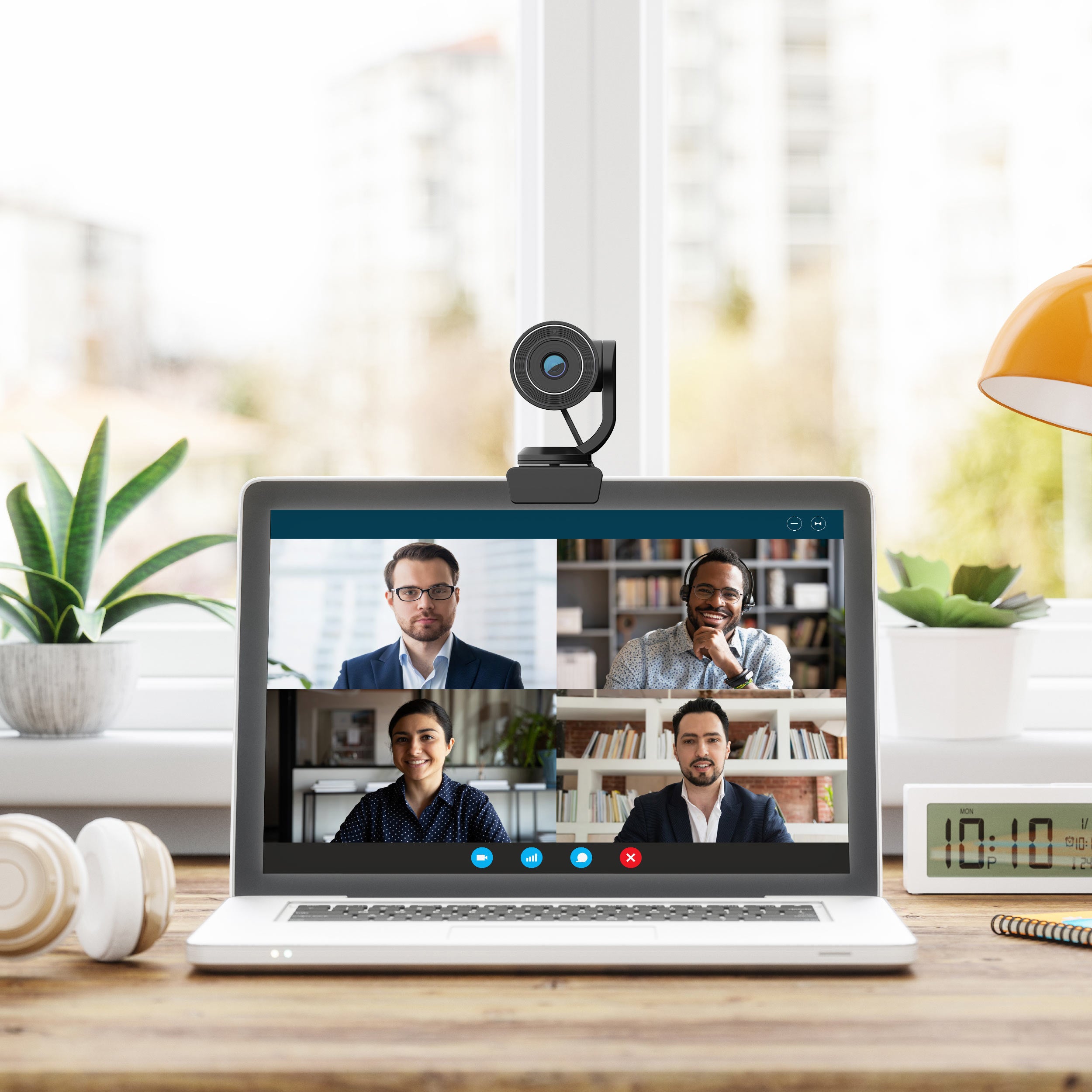
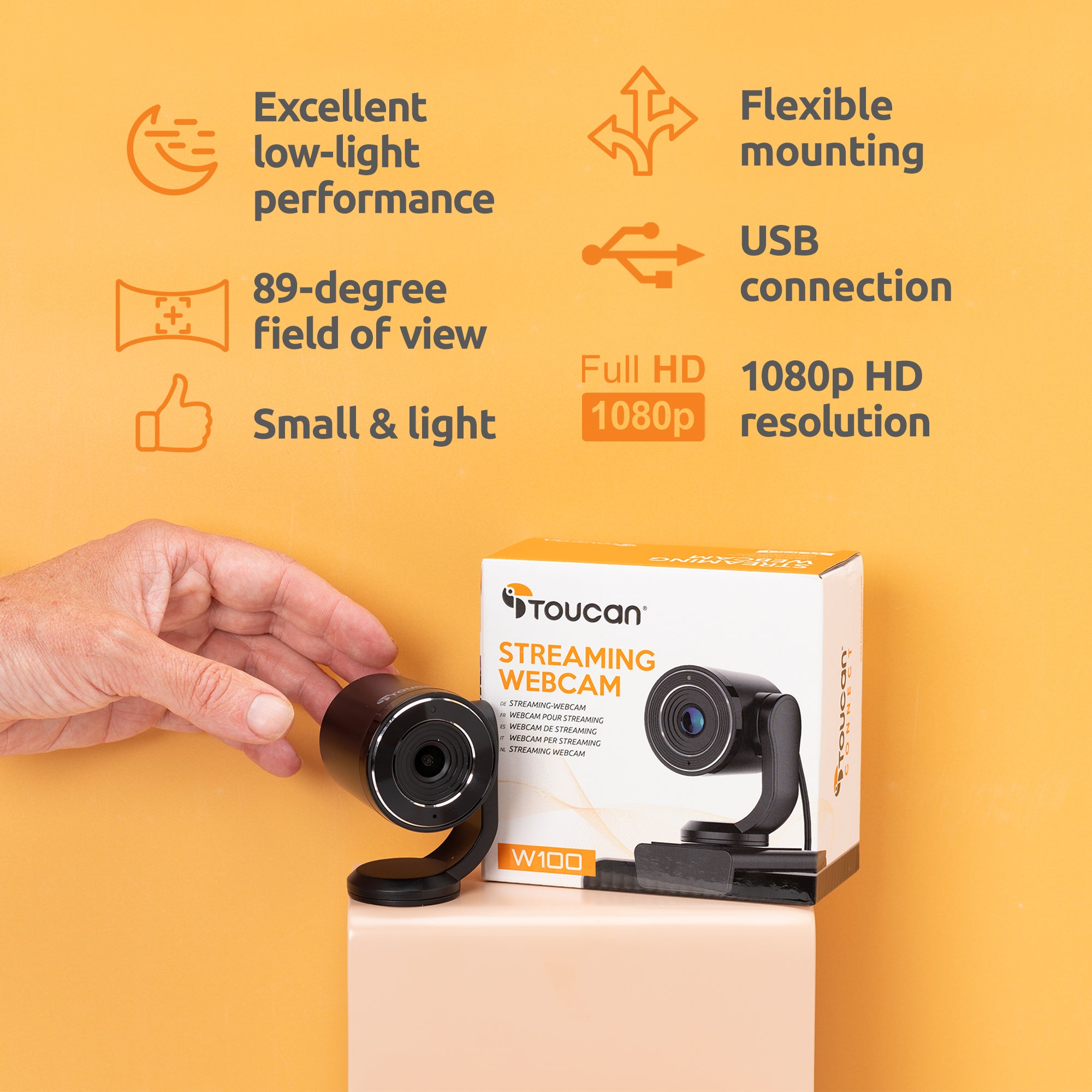
The Toucan Streaming Webcam offers full 1080p HD resolution at 30fps, built-in multi-directional microphone for video conferencing or gaming, and a wide 89-degree field of view. Smooth video at 60fps for uninterrupted streaming.
- 1920 x 1080 @30fps (1080p HD)
- 2560 x 1440p @30fps (2.5k)
- 720p @ 60fps
- Excellent low-light performance.
- Small and light.
- Built-in multi-directional microphone.
- Connect to any USB port with the included cable, no drivers or software needed.
- Flexible mount for convenient positioning on your monitor, laptop, or tabletop.
- USB connection required.
- Compatible with computers running Windows 7 or later and MacOS 10.12 or later.
Product highlights
Mount Included
Field of View
Universally Compatible
Echo & Noise Cancellation
Toucan Connect W100 2.5K Streaming Webcam
£59.99


What people are saying


Get more out of your device
None of our products require a subscription to function, but our Toucan Shield Plans elevate their potential
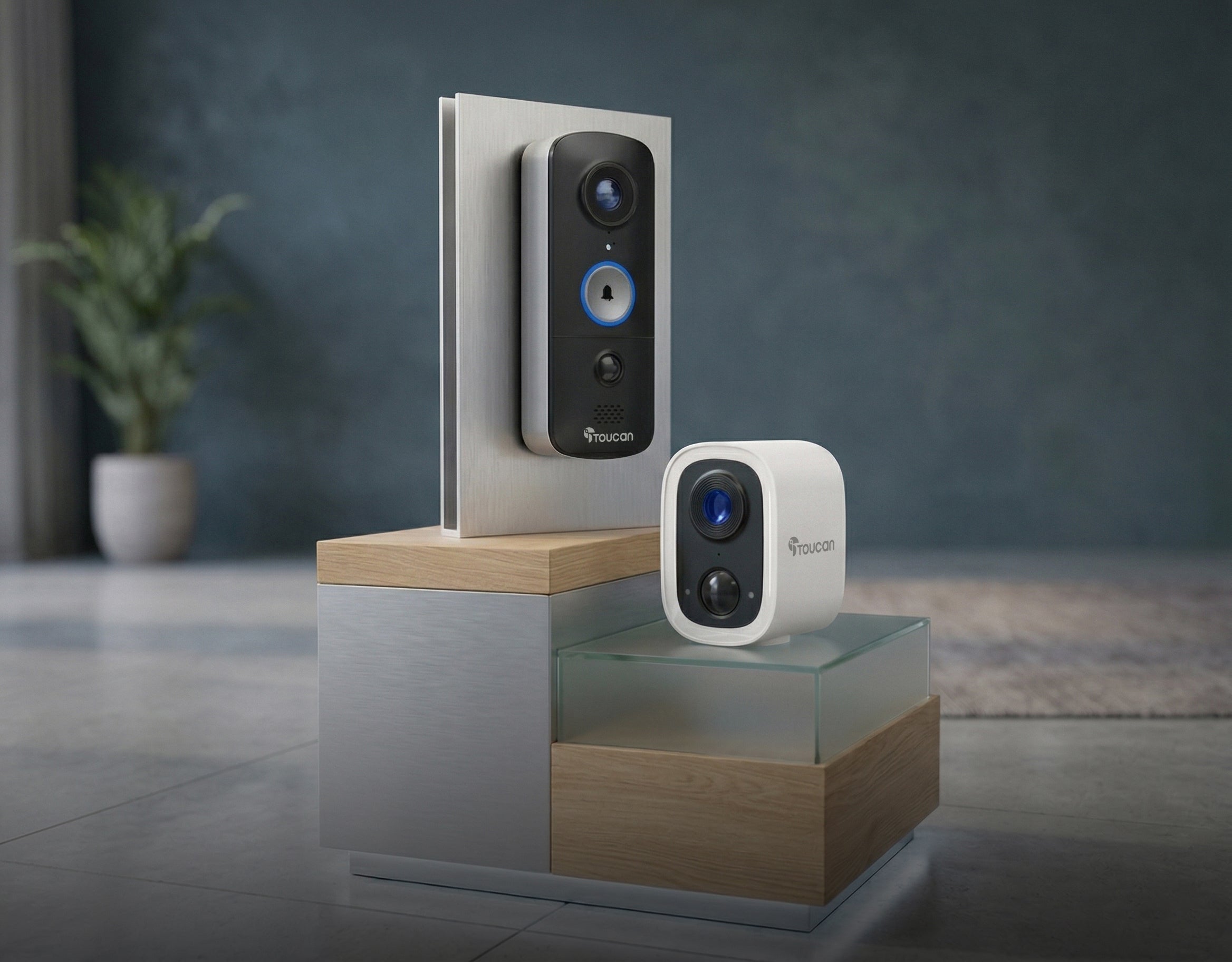
Compatible with the Toucan Smart Home App!
Tech Specs
Video
Audio
Power
Connectivity
Other
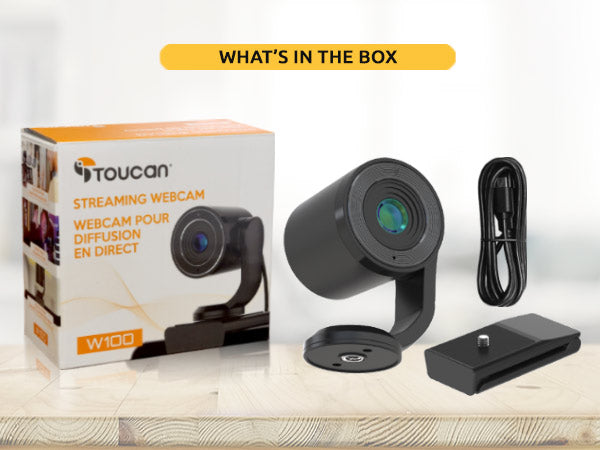
What's in the box?
FAQs
For more FAQs, please check our dedicated FAQ page