

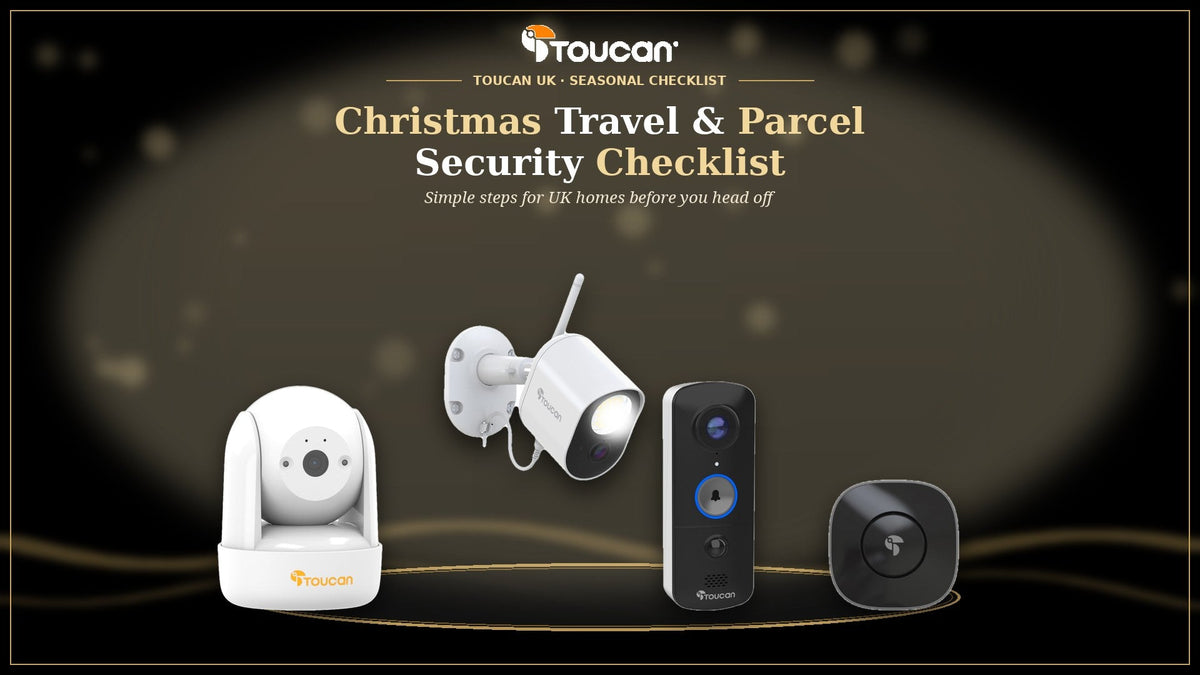
Christmas home security checklist · UK 2026
Whether you're heading off to see family for Christmas or just out at the shops when a courier calls, a few simple habits make December a lot less stressful. This checklist covers parcels, the run-up to travelling and the days you're away, mostly using features you already have in the free Toucan app.
- ParcelsPlan where each delivery should go, and answer the door from your phone when you're out.
- Before you goCharge batteries, test your alerts and share access with someone you trust.
- While you're awayCheck in on live view, keep notifications useful and ask a neighbour to help.
Work through it a week or so before you travel, then run through the final few checks on the day you leave. Nothing here replaces locking up properly, but it does help with peace of mind while you're enjoying the holidays.
Your Christmas checklist at a glance
- 1.Track every delivery and choose a safe place, neighbour or collection point
- 2.Charge your video doorbell and battery cameras fully
- 3.Check Wi-Fi at the front door and each camera
- 4.Test a motion alert and two-way talk on your phone
- 5.Tidy up your Motion Zones so alerts stay useful
- 6.Set lights on schedules so the house looks lived in
- 7.Share access with a trusted neighbour or family member
- 8.Turn off any snooze schedules before you leave
- 9.Keep travel plans off public social media until you're home
- 10.Know who to call: 999 in an emergency, 101 for non-emergencies
Step 1: Plan your Christmas parcel deliveries
December means more deliveries than usual, and more chances for a parcel to sit on the step while you're out. A little planning helps:
- Use tracking and delivery notifications so you know roughly when each parcel is due.
- Pick a safe place, a neighbour or a collection point, especially for larger gifts or anything arriving while you're away.
- Don't leave parcels on show. Bring them in as soon as you can, and ask a neighbour to collect them if you're travelling.
A video doorbell makes the doorstep part easier. With the Toucan V3 Wireless Video Doorbell with Chime, you get an instant notification when someone's at the door and can use two-way talk to tell a courier where to leave a parcel, wherever you are. When you can't talk, a pre-recorded message can answer for you.

Step 2: Get your doorbell and cameras ready before you leave

- Charge everything. The V3 and the S4 have rechargeable 5,200mAh batteries and the Wireless Security Camera PRO has a 9,750mAh battery, all charged by USB. Top them up a few days before you go, as battery life varies with activity, settings and Wi-Fi signal.
- Check the Wi-Fi. Toucan devices use 2.4GHz Wi-Fi. If a camera's signal is weak, move your router or the camera before you travel, not after.
- Tidy your Motion Zones. Select the areas you care about, such as your path and porch, so you get fewer alerts from the pavement and road.
- Test it. Walk up to the door, check the alert arrives, and try two-way talk from your phone.
- Check your snooze settings. Snooze schedules are handy at home, but make sure nothing is snoozed while you're away.
New to the app? Our Toucan app tutorial and 3 clever app features post walk you through the settings.
Step 3: Make dark winter evenings work for you
With sunset before 4pm in much of the UK in December, lighting matters. Set lamps on timer plugs so rooms light up in the evening, and think about the outside too.
The Toucan Floodlight Security Camera combines a 1,200-lumen LED light with 1080p video. Its schedule mode can switch the light on at set times, and motion mode lights up the drive or path when someone approaches. Radar motion detection up to 10m, with human detection and motion zones, helps keep alerts to the things that matter.
It's plug-powered: the supplied power supply plugs into a standard socket, with a 2m cable plus a 6m extension (8m in total), so you can run the power cable to an indoor socket where possible. For more ideas, see our post on 5 ways to secure your home as the nights get darker.

Step 4: Keep an eye on things indoors

If a neighbour or pet sitter is popping in, an indoor camera lets you check the heating's on and the cat's been fed. The Toucan Seek Indoor Pan & Tilt Security Camera gives you 1080p video with 355° pan and 180° tilt, controlled from the app, plus two-way talk and night vision.
- It's for indoor use only and plugs into a standard socket with its USB power adapter.
- Privacy snooze turns the camera away when you're home.
- Let anyone who'll be in your home know there's a camera, and where it is.
Step 5: While you are away
- Share access. The free plan lets you share each camera with one other person, such as a neighbour who's collecting your post. AI+PRO and AI+ELITE allow up to 10 shared users per camera.
- Save what matters. The free plan keeps 1 day of video event history, with 5 video downloads a month, so save any clip you need. AI+PRO (30 days) and AI+ELITE (90 days) are optional for longer trips.
- Stay calm. If you see something worrying on live view, don't confront anyone. Call 999 if a crime is in progress, or 101 for non-emergencies.
No subscription required*. Live view, two-way audio, instant notifications and motion zones are all included in the free Toucan Smart Home app. See Toucan Shield Plans for the optional upgrades.
Step 6: Be a good neighbour with your cameras
More cameras at Christmas shouldn't mean less privacy for the people next door. Point your doorbell and cameras at your own property, and use Motion Zones to keep the view tight. If a camera captures areas beyond your boundary, such as the street or a neighbour's garden, UK data protection rules apply. The ICO guidance on home CCTV explains what that means for homeowners.
Toucan devices that help over Christmas
Buying new kit in the sales? Read how to choose a home security kit this Black Friday.

Toucan V3 Wireless Video Doorbell with Chime
- Instant notifications and two-way talk
- Pre-recorded messages
- Rechargeable battery, no doorbell wiring

Toucan Floodlight Security Camera
- 1,200-lumen light with schedule mode
- Radar motion detection up to 10m
- Plug-powered, 8m total cable

Toucan S4 2K Wireless Security Camera
- 2K video, 145° diagonal view
- Rechargeable 5,200mAh battery
- IP56 weather resistance

Toucan Seek Indoor Pan & Tilt Camera
- 355° pan and 180° tilt
- Privacy snooze
- Indoor use, plug-in power
Want a doorbell and cameras together? Browse our home security kits, or read our UK buying guide to home security camera systems.
Frequently asked questions
What should I do about parcel deliveries while I am away for Christmas?
Track each delivery, choose a safe place, a trusted neighbour or a collection point, and avoid parcels being left on show. With a video doorbell such as the Toucan V3, you can also see who is at the door and use two-way talk to tell a courier where to leave a parcel.
Can I answer my video doorbell when I am not at home?
Yes. When someone presses the Toucan V3 doorbell or triggers a motion alert, you get a notification on your phone and can use live view and two-way talk from wherever you are, as long as your doorbell and phone are online.
Do I need a subscription to get alerts while I am away?
No. Live view, two-way audio, instant notifications, motion zones and 1 day of video event history are included free in the Toucan Smart Home app. AI+PRO and AI+ELITE are optional paid upgrades with 30 or 90 days of event history.
Will my battery doorbell last while I am away?
Battery life varies with how much activity there is, your settings and the Wi-Fi signal, so charge your V3 doorbell and battery cameras fully by USB a few days before you travel and check the battery level in the app while you are away.
Is it legal to have a doorbell camera that sees the street in the UK?
Yes, you can use a doorbell camera at home, but if it captures areas beyond your property, such as the street or a neighbour's garden, UK data protection rules apply. Keep the view on your own property where you can and read the ICO guidance on home CCTV.
Can a neighbour get alerts from my cameras too?
Yes. The free Toucan plan lets you share each camera with one other person, and AI+PRO and AI+ELITE allow up to 10 shared users per camera. Shared users set up their own Toucan account.
Enjoy Christmas with peace of mind
Plan your parcels, charge your devices and let the Toucan app keep you in the loop while you're away. No subscription required*.
*No subscription required for core app features; AI+PRO and AI+ELITE are optional paid upgrades.
Share:
10 Years of Toucan: Celebrate With Our Anniversary Offers
Choosing a Home Security Kit for Black Friday: A UK Guide